Car Detailing Website: How to Show Your Work and Get Bookings
What a car detailing or mobile valeting website needs, from before and after photos and clear packages to a quote form that asks the vehicle and where it is parked.
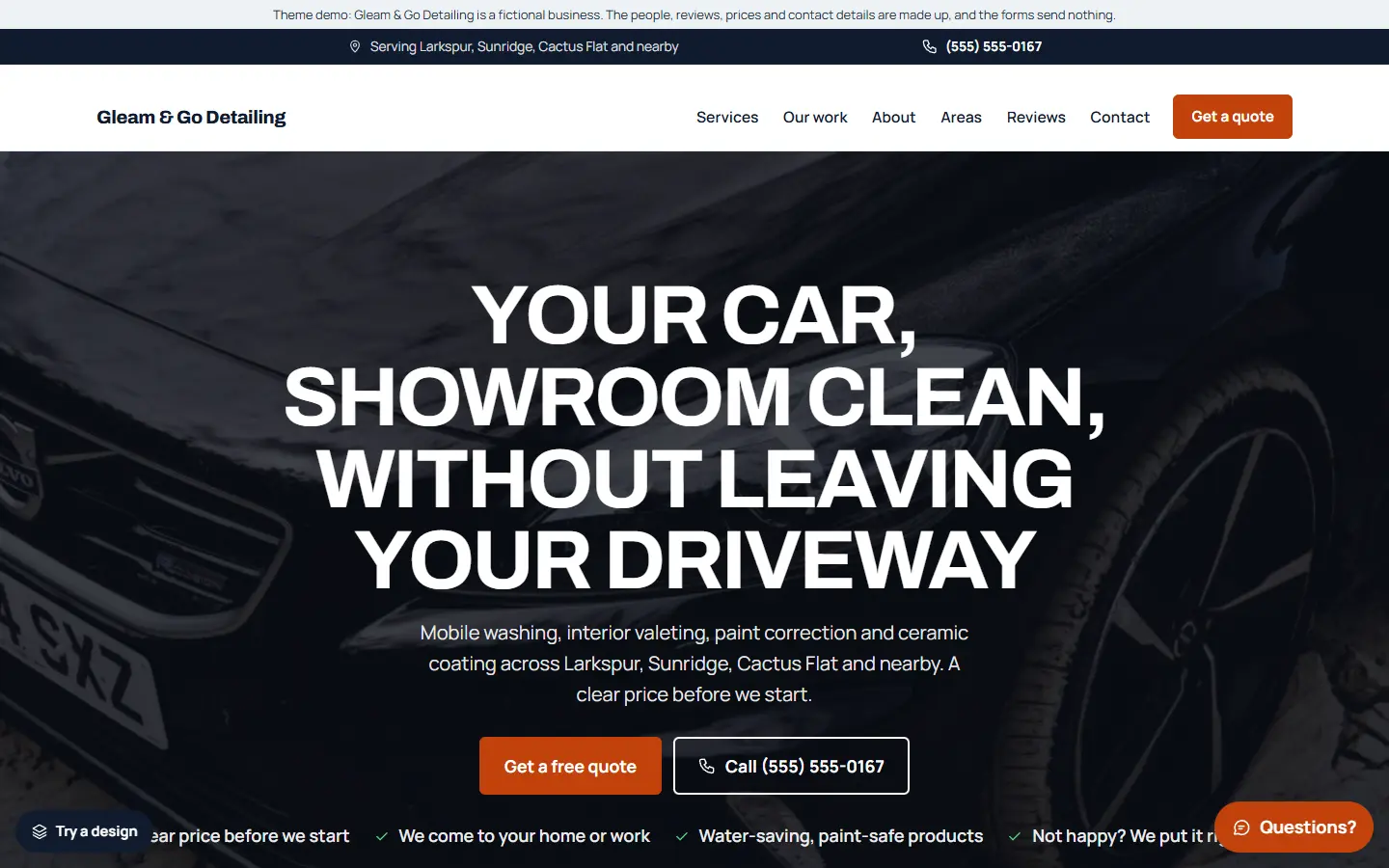
Car detailing sells on looks. People want to see what their car could look like before they book, and they want to know what they get for the price. A plumber’s website can get away with words; a detailer’s website needs pictures.
Here is what a car detailing website should include, whether you work from a unit or come to the customer.
1. Before and after photos near the top
Your best advertising is your own work. Put before and after photos of real jobs right under the headline, not three pages deep: a dull bonnet next to the corrected paint, a muddy interior next to the finished one. Take them yourself, in good light, from the same angle.
Use only your own photos, and only show customers’ cars if they are happy for you to.
2. Clear packages
Detailing words mean different things to different people. Spell out what each service includes:
- A wash or maintenance wash
- An interior valet
- A full detail, inside and out
- Paint correction
- Ceramic coating
- Fleet or van cleaning, if you do it
Say roughly how long each takes and give a starting price (“from”), if your prices are steady enough to publish. A visitor who can see the difference between packages is far more likely to ask for a quote.
3. A quote form that asks the right questions
The price depends on the vehicle and the job. A short form that asks what kind of vehicle it is (car, SUV, van, motorbike), which service, and where the car will be parked saves a lot of back and forth.
If you are mobile, ask whether there is water and power nearby, or say clearly that you bring your own.
4. Where you work
If you come to homes and offices, list the towns you cover. If customers come to you, show the address and opening hours. Either way, put it on its own page and in the footer, so Google can show you to people searching nearby.
5. What you use and why
Customers who care about their car want to know you will not damage it. A short section on how you wash safely, the products you use and how you protect paint and trim builds trust. Keep it honest and specific to what you actually do.
6. Real reviews
Show reviews from real customers, ideally with the car and the service, and link to your Google reviews. Never write or copy reviews.
7. Easy contact on a phone
Most people will look at your site on their phone, often while looking at their own car. Keep a Call and Get a quote button on screen, and add WhatsApp if your customers like to send photos of the car.
8. Business details Google can read
Link your Google Business Profile to the site with the same name and phone number, use page titles that say the service and the area (“Ceramic Coating in Springfield | Your Detailing Co”), and add structured data with your business type and areas.
Quick checklist
- Before and after photos near the top
- Packages with what is included and a starting price
- A quote form that asks the vehicle and where it is parked
- Service areas or your address and hours
- How you look after paint and trim
- Real reviews
- Call, quote and WhatsApp buttons on phones
- Google Business Profile and structured data
Starting from a car detailing template
If you would rather start from a finished site, our car detailing template for the Mainstay theme has this list ready to edit:
- Before and after photos right under the headline, in a large gallery of your work.
- A quote form that asks car, SUV, van or motorbike, with requests saved inside WordPress.
- Six service pages: mobile hand wash, interior valet, full detail, paint correction, ceramic coating, and fleet and van cleaning.
- Service areas, sample reviews, price plans and an about page, ready for your own details.
- One settings page for your business details, which also fills in the structured data Google reads.
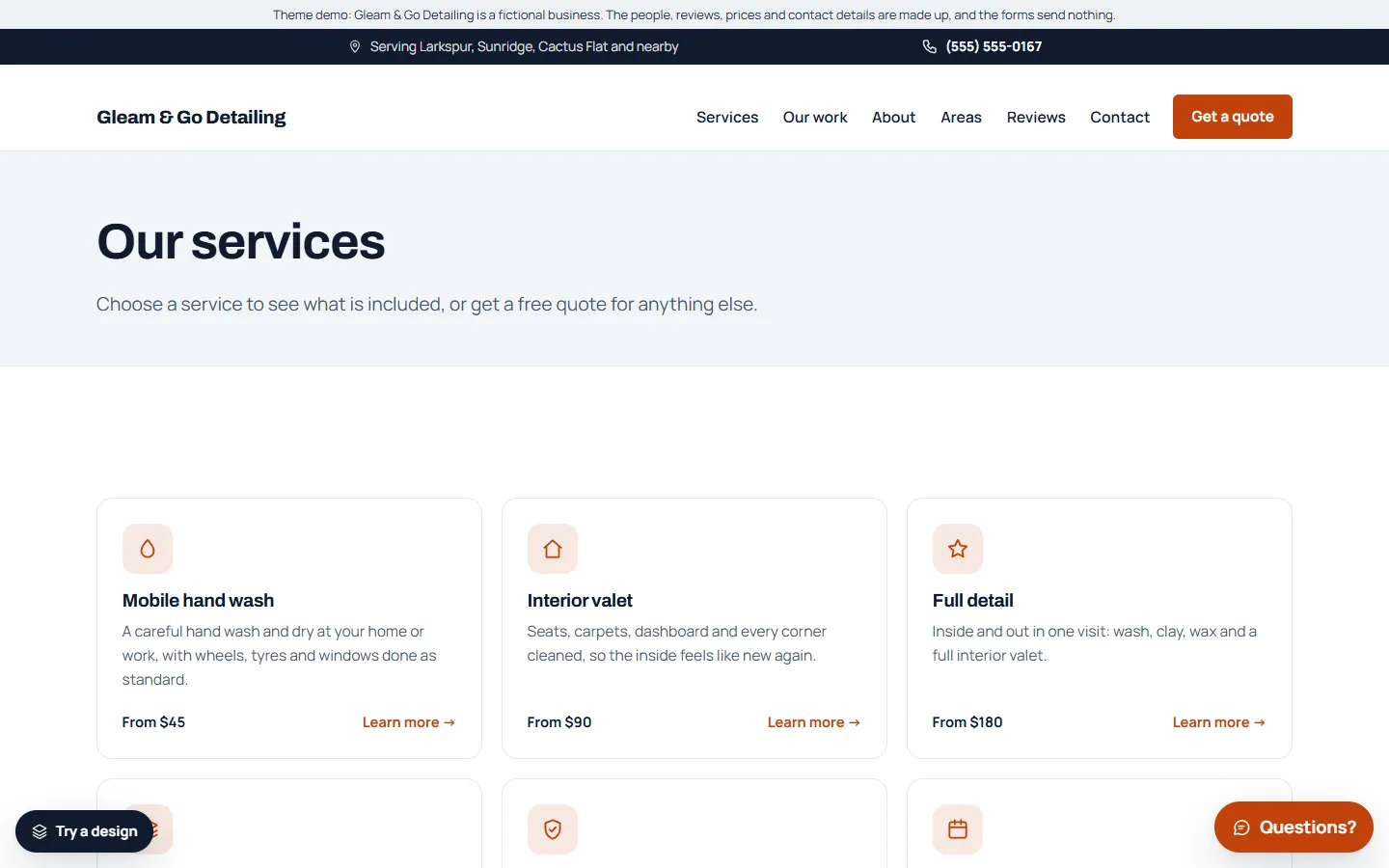
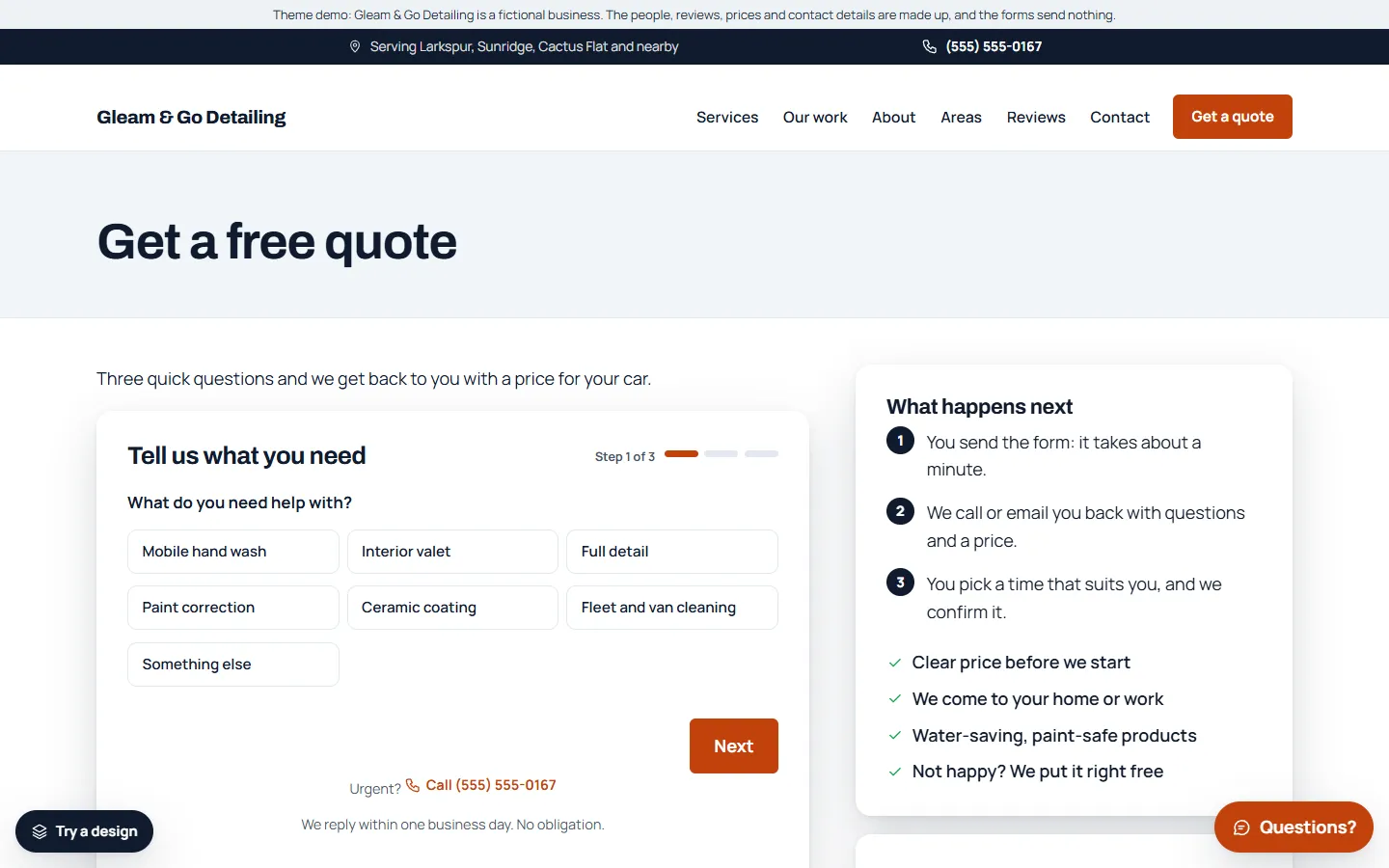
The demo business, Gleam & Go Detailing, is made up. You can try the live demo on your phone and read the full setup guide before you buy.