Mainstay
A fast WordPress block theme for local service businesses, with 11 ready-made trade templates.
A WordPress block theme for local trades: plumbers, electricians, heating and cooling, roofers, locksmiths, cleaning services, landscapers, car detailers, mobile mechanics, pressure washers and pest control. Eleven one-click templates, seven designs and five colour styles, all included.
Licences from $49
Features
Calls and quotes
- Call buttons in the top bar, the hero and the footer
- A call and quote bar fixed to the bottom of the screen on phones
- A quote form in three short steps or all on one page, with your own questions and a Quote requests list in the admin
Services and trust
- A page for each service, with an icon and a price line
- Service areas, opening hours and an emergency line
- Reviews as a grid, slider, spotlight or list
- Optional WhatsApp button and a link to your Google reviews
- Several locations and online booking (Calendly, Cal.com, Acuity, Square...)
Google and ads
- A page for each town you cover, such as "Plumber in Cedar Grove"
- Business details Google can read, for the business and each service
- Call and quote tracking for Google Analytics 4 and the Meta Pixel
Show your work
- An Our work page with photos of your finished jobs, and recent jobs on the home page
- A team section with photos, roles and short bios
- Offers and discounts as coupon cards, and price plans with one marked "Most chosen"
- A row of numbers under the hero, and your licences and guarantees
Easy to run
- 11 trade templates, each imported in one click, and removed in one click
- 7 designs, 5 colour styles and 4 home page layouts to switch between
- Dropdown and mega menus, 3 header menu layouts and 3 phone menu styles
- Multilingual sites with the free Polylang plugin, or WPML and TranslatePress
- One settings page for the business details, used everywhere
- 17 ready-made sections (patterns), no page builder needed
- 5 ready-to-publish articles for each trade, an emergency page and a privacy policy page to start from
11 templates included
Each one is a complete website for a different trade, imported in one click. Mix any template with any of the seven designs and five colour styles. The businesses are made up.
PlumbingClassic design, Default coloursSee this template 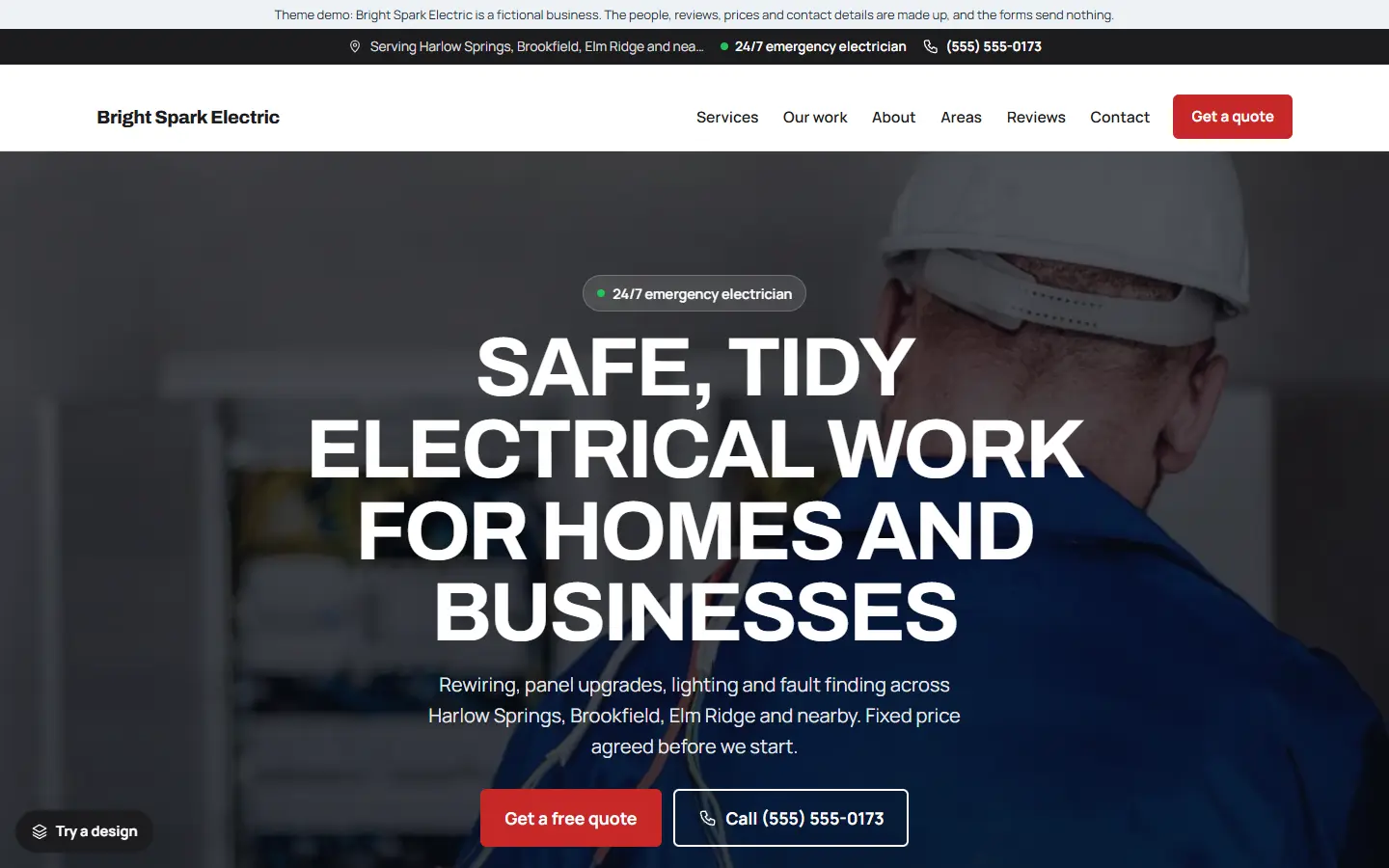 ElectricianBold centre design, Ember coloursSee this template
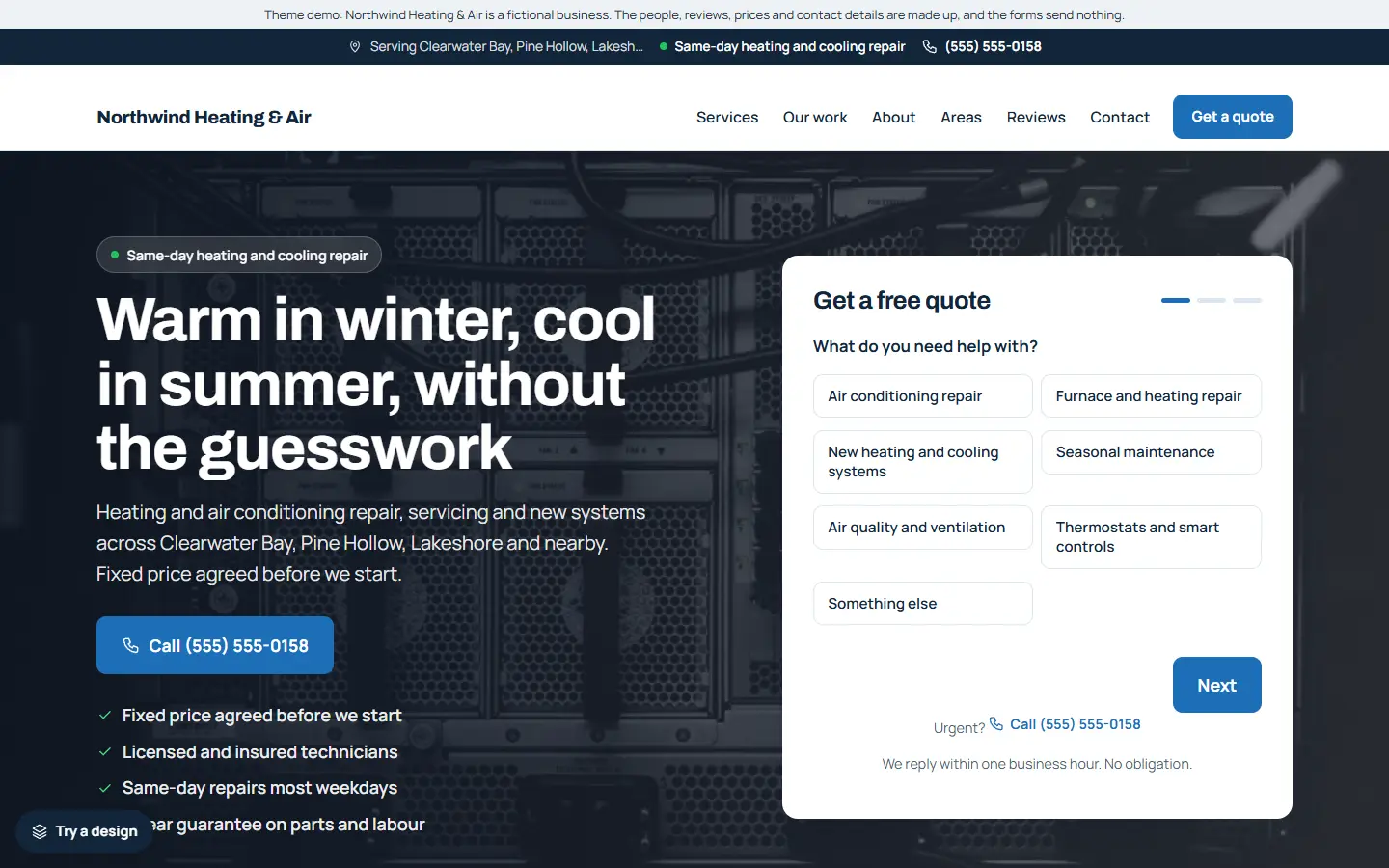 Heating and coolingClassic design, Clinic coloursSee this template
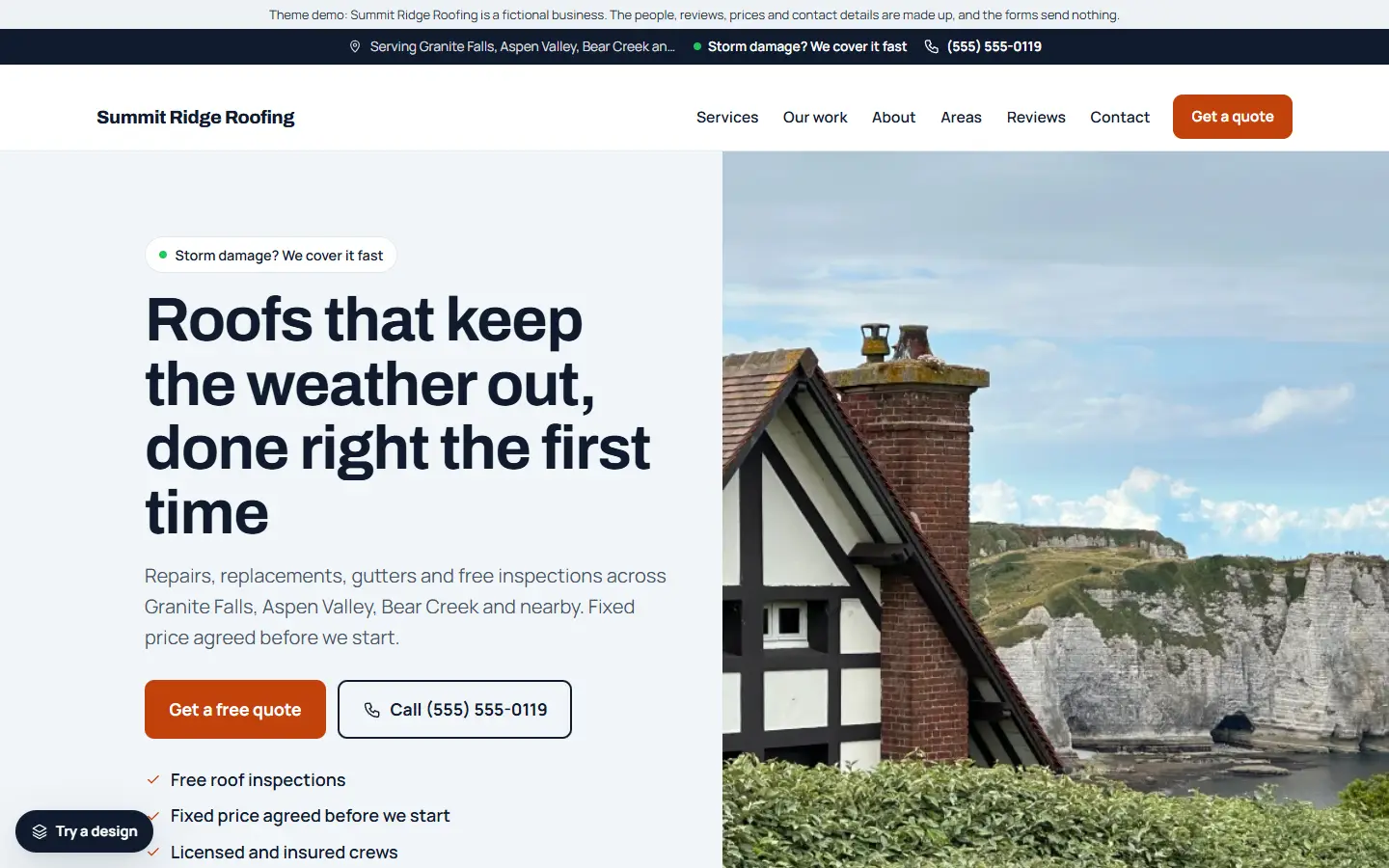 RoofingSplit design, Default coloursSee this template
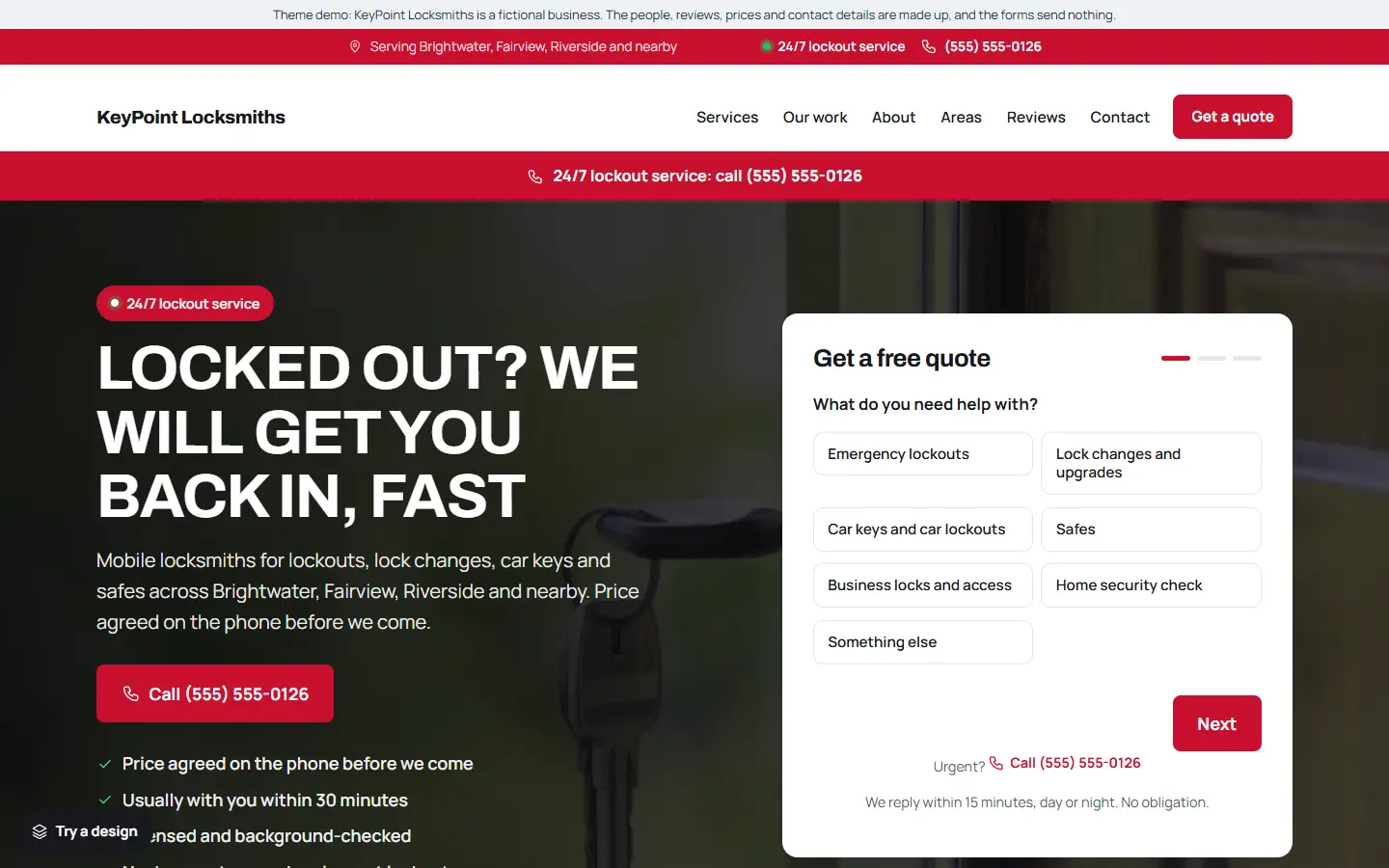 LocksmithEmergency design, Signal coloursSee this template
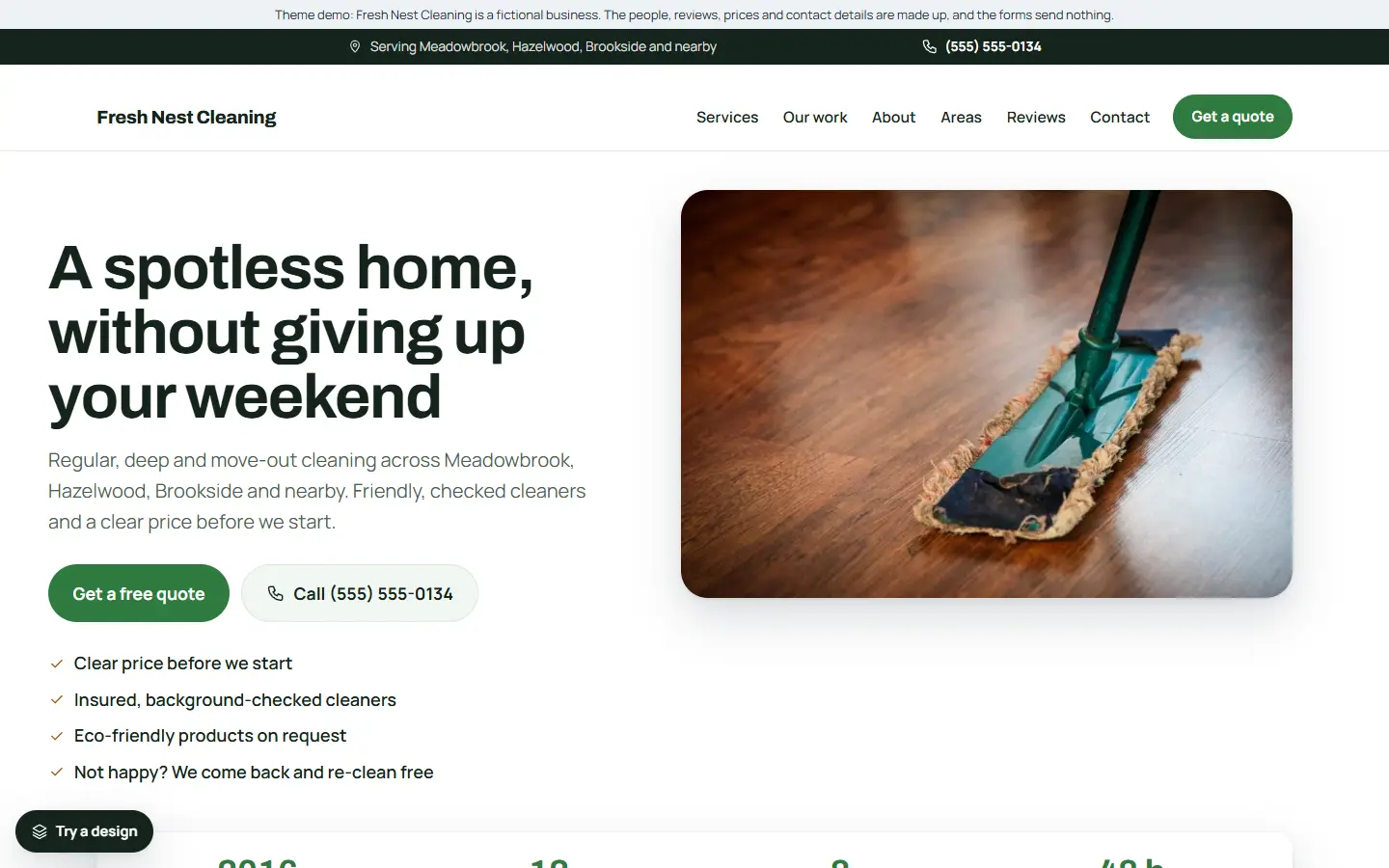 Cleaning serviceClean light design, Forest coloursSee this template
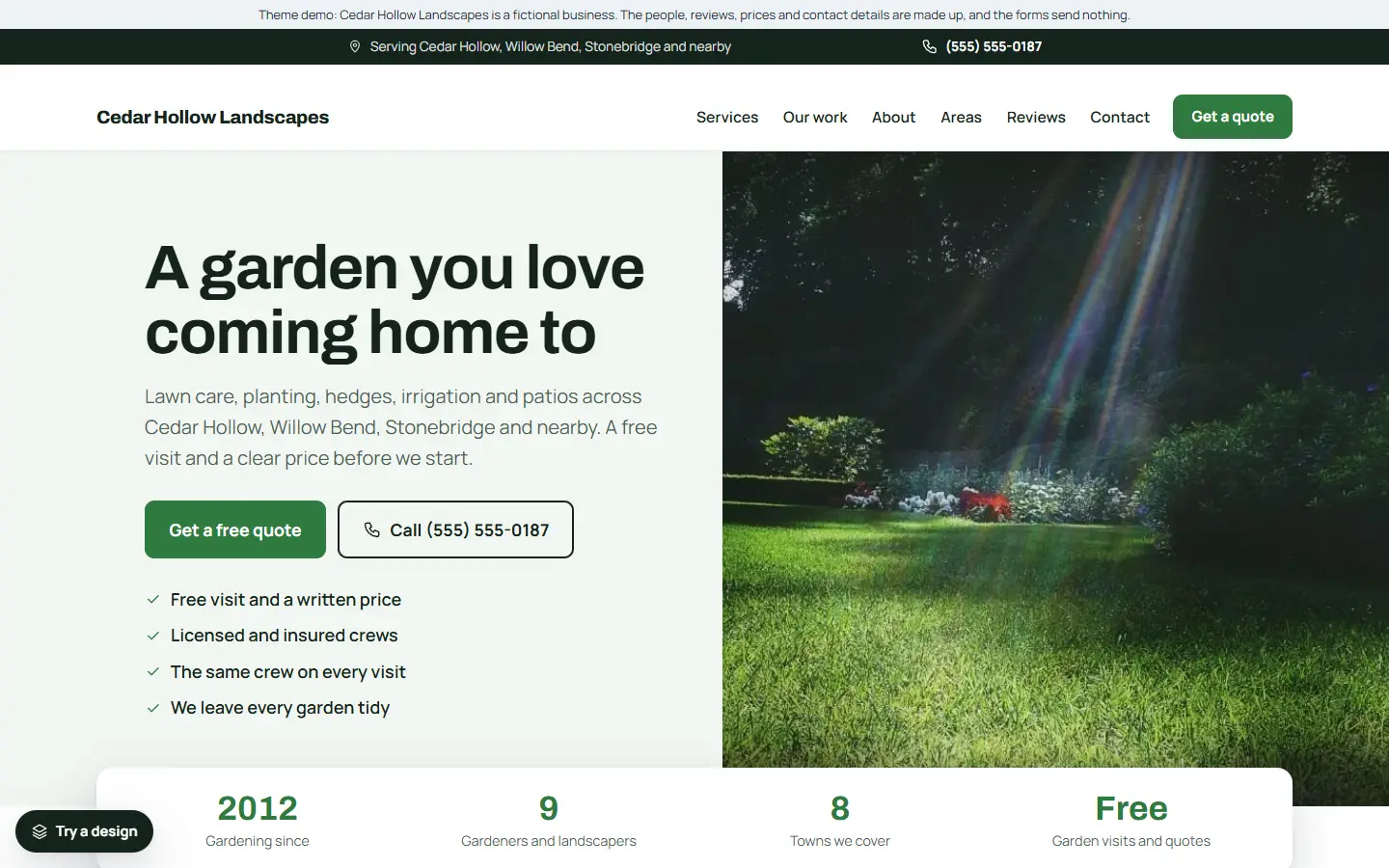 LandscapingSplit design, Forest coloursSee this template
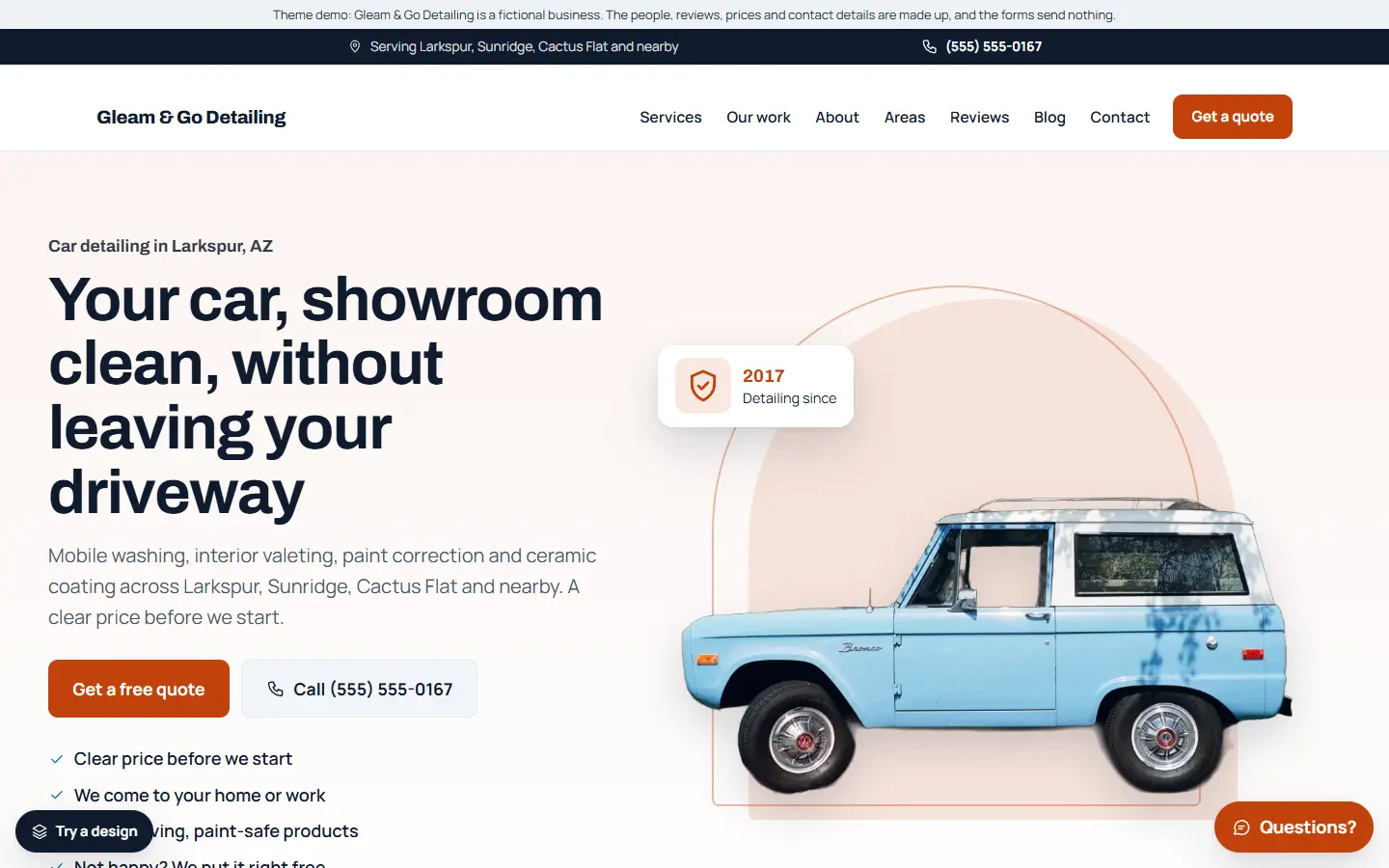 Car detailingCut-out design, Default coloursSee this template
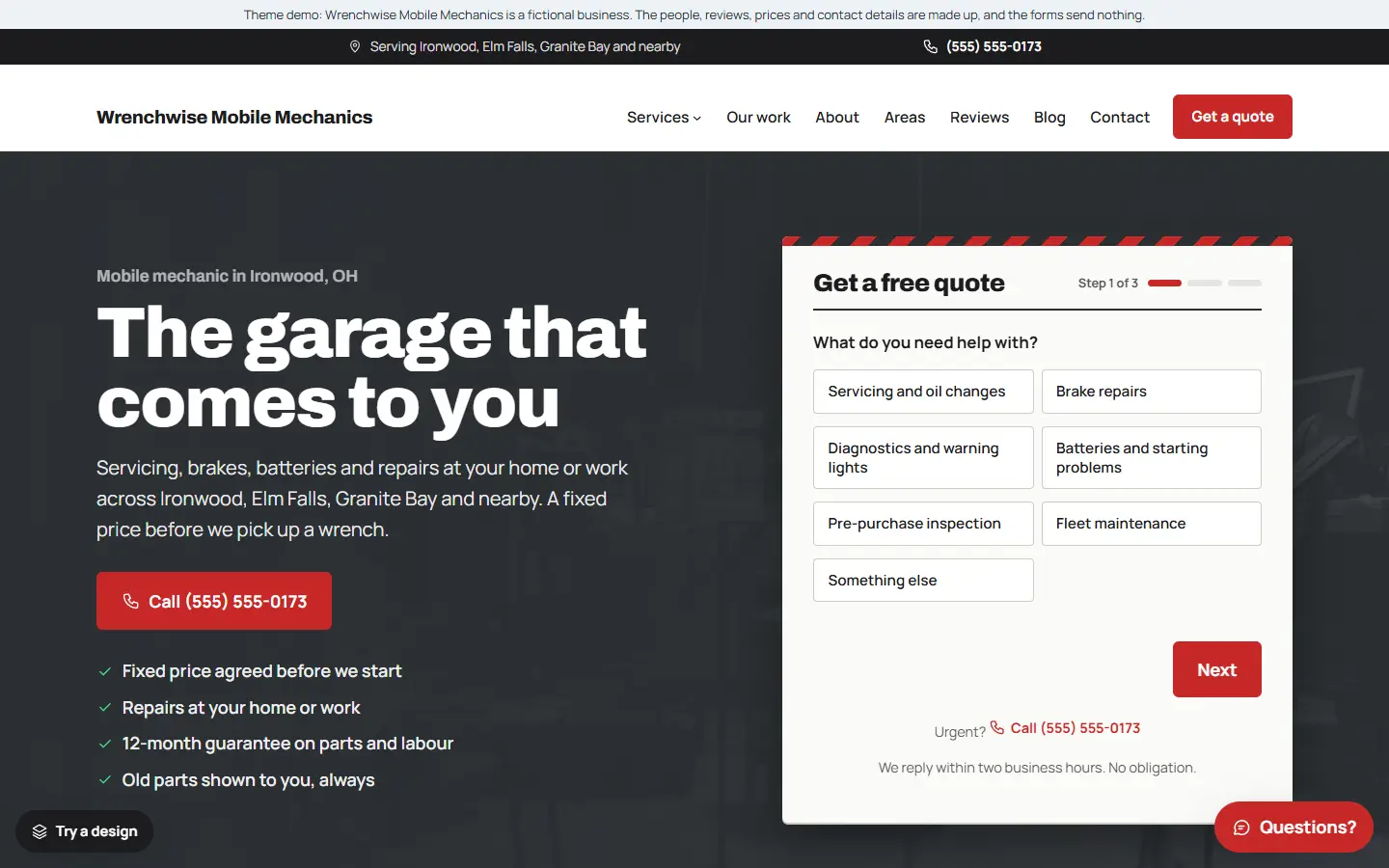 Mobile mechanicWorkshop design, Ember coloursSee this template
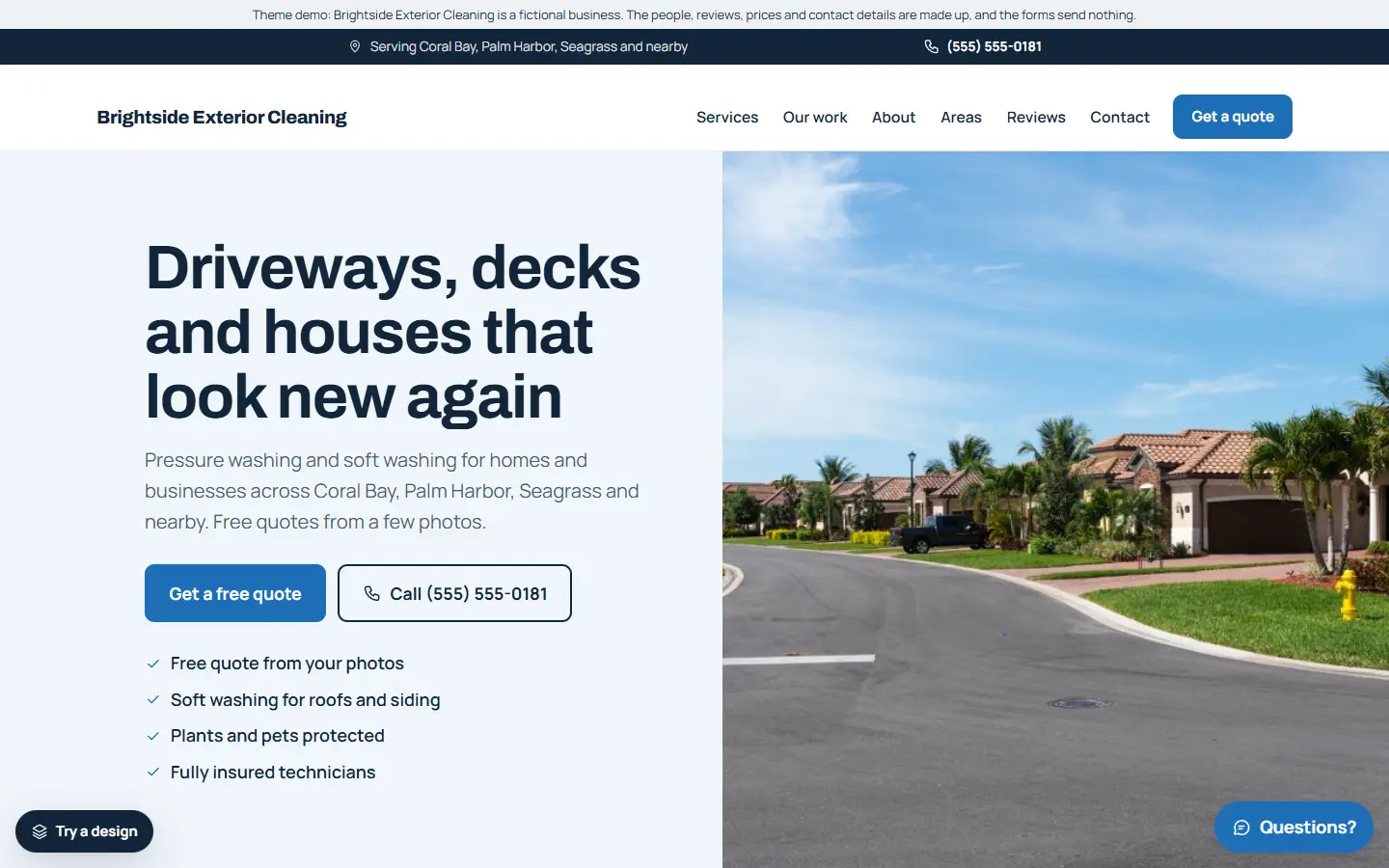 Pressure washingSplit design, Clinic coloursSee this template
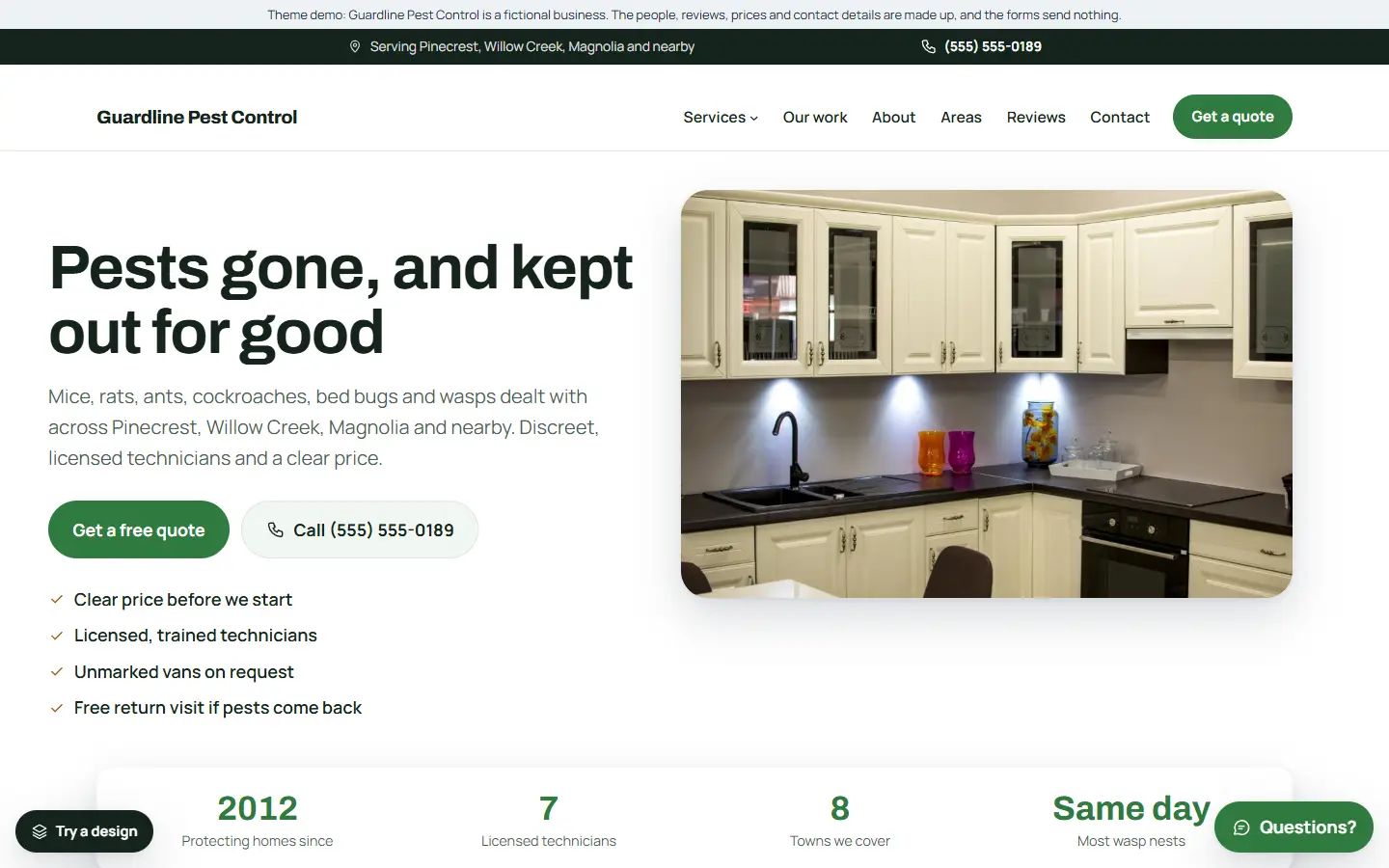 Pest controlClean light design, Forest coloursSee this template
Setup in three steps
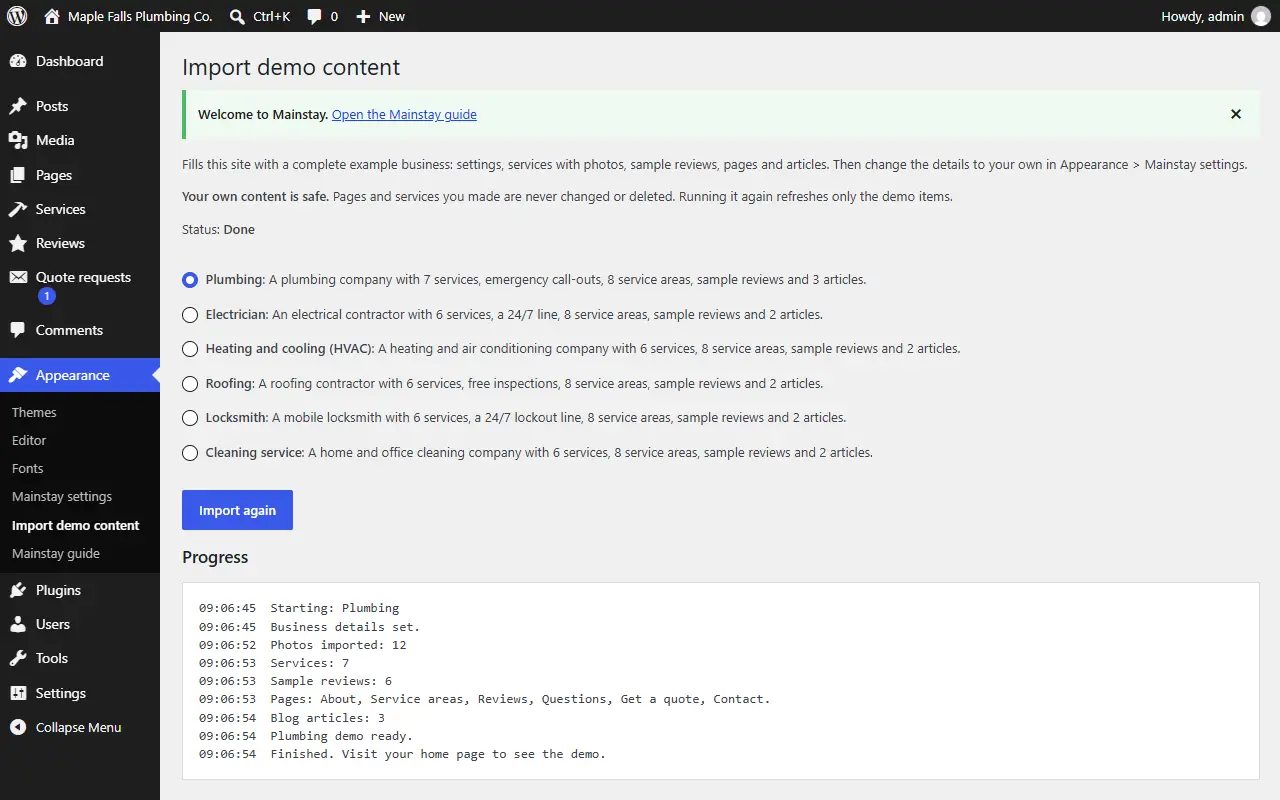 1. Pick a templateChoose a trade and import it in one click: services, pages, reviews and photos.
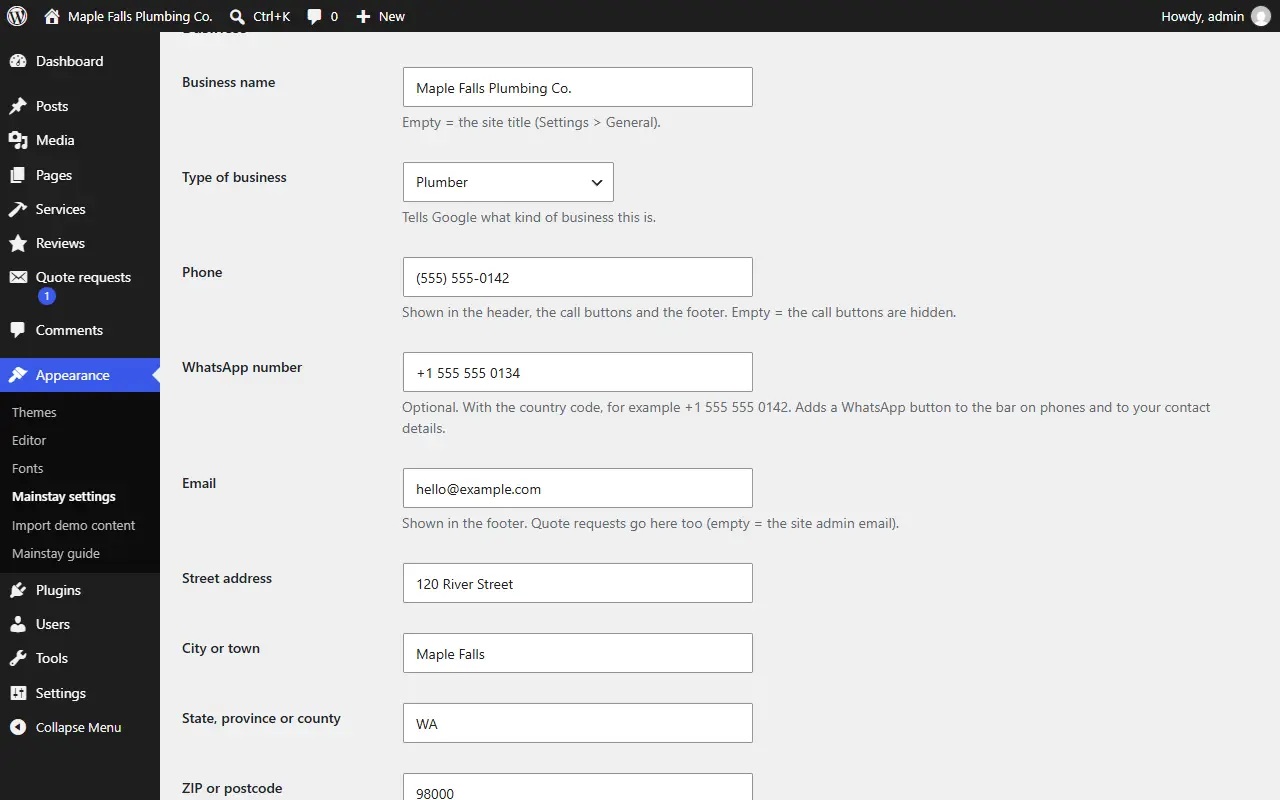 2. Add your detailsYour name, phone, hours and towns, once, on one settings page. They appear everywhere.
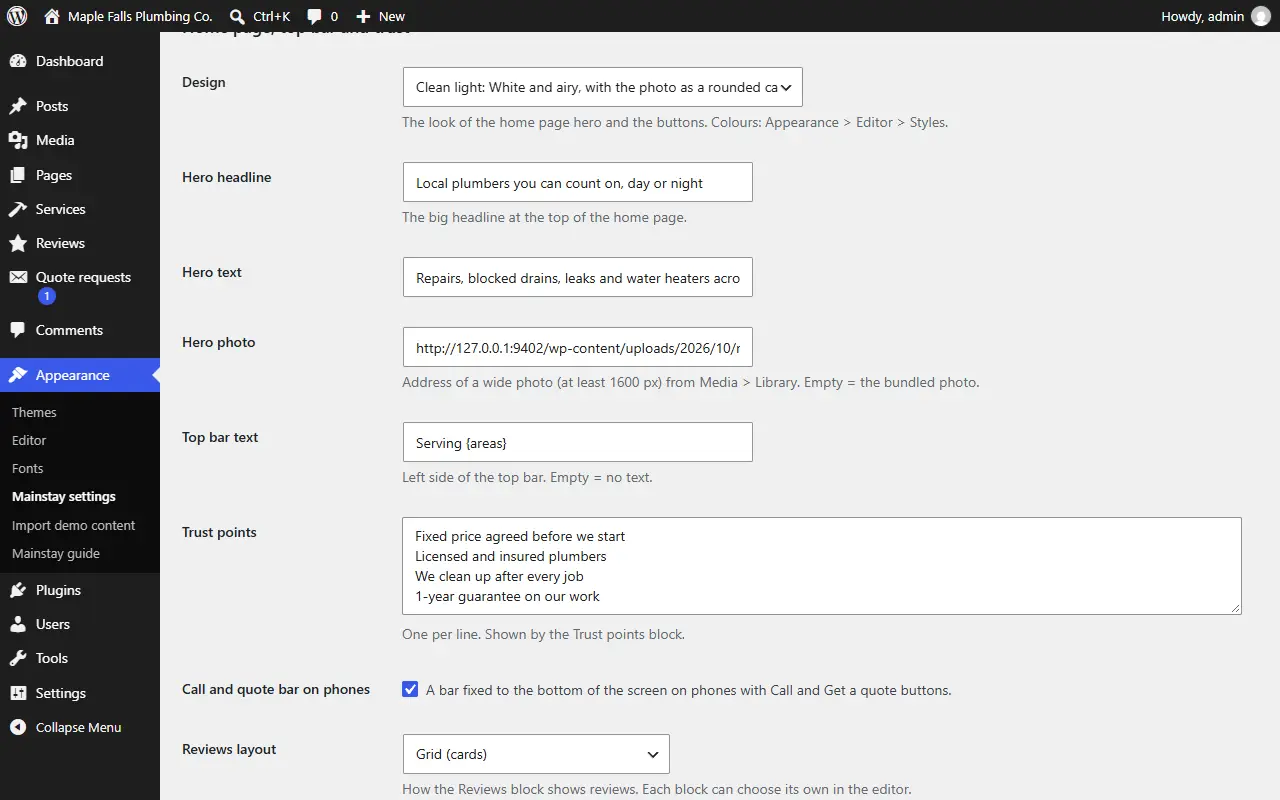 3. Choose a lookPick a design, colours, review and form layouts. Then swap in your own photos.
Inside WordPress
What you see after installing Mainstay. Click a screen to see it full size.
- Import a templatePick a trade and import it in one click: pages, services, reviews, photos and more.
- Your business detailsName, phone, hours, address and towns, typed once and used across the whole site.
- Design and home pageChoose a design, the hero headline and photo, trust points and layouts.
- Offers, plans and guaranteesOffers, price plans, numbers and badges, one line each. Leave one empty and it disappears.
- Edit any pageEvery page and service is edited in the normal WordPress editor. No page builder.
- Add your jobsEach job gets its own page. Add a before photo and it shows a before and after slider.
- Town pagesA page for each town you cover, such as "Plumber in Cedar Grove".
Screenshots from the live demo
What you get
- Mainstay theme
- Mainstay Core companion plugin (installs from the theme in one click)
- 11 trade templates: plumbing, electrician, heating and cooling, roofing, locksmith, cleaning, landscaping, car detailing, mobile mechanic, pressure washing, pest control
- Child theme for your own code
- Setup guide and developer documentation
Made for
- Plumbers, electricians, heating and cooling, roofers and locksmiths
- Cleaning companies, landscapers and other local service businesses
- Web designers who build sites for local trades (Unlimited licence)
What is new in 1.7.0
- Page builders' full-width page templates (for example Elementor Full Width) now show the theme's header and footer.
- Mainstay settings: a note under Google Analytics 4 ID when an analytics plugin (Site Kit, MonsterInsights, ExactMetrics) is active, so visits are not counted twice.
- New home page layout: Focused. Only the essentials (services, offers, reviews, why choose us, your work and service areas), for a short home page; the other sections stay on their own pages.
- New setting: Section style. Calm shows the same content with fewer boxes: services as ruled rows (name, one line and price), why choose us and how it works without cards, offers in one...
What the companion plugin does
Mainstay comes with its own plugin, Mainstay Core, installed from the theme in one click. The theme is the design; the plugin holds the features, so your content and settings are safe if you ever change theme.
It adds
- The Mainstay blocks: hero, services, reviews, quote form, our work, team, offers, price plans, numbers, badges, hours, areas, locations and booking
- Content types for services, reviews, projects, team and quote requests, with a Quote requests list in the admin
- One settings page for your business details, and business details Google can read
- Call and quote tracking for Google Analytics 4 and the Meta Pixel, and the one-click templates
Its footprint
- Built only on WordPress: no page builder, no jQuery or framework on your pages, no other plugins needed
- Small scripts that load only where they are used, the largest (the quote form) about 2.5 KB compressed
- No tracking and no outside services. Quote requests stay in your own WordPress
Requirements and details
| WordPress | 6.8 or newer |
|---|---|
| PHP | 8.1 or newer |
| Version | 1.7.0 (changelog) |
| Editor | The normal WordPress block editor, no page builder |
| Licence | GPL, version 2 or later |
| Updates and support | 12 months, by email |
Reviews
Bought Mainstay?
Tell other buyers how it went. We check every review against its order before it appears.
Questions
Questions about Mainstay
Can I try a theme before I buy?
Yes. Every theme has a live demo you can click through on your phone and your computer, and its full setup guide is on this site.
What do I get after paying?
A download link right away, on the confirmation page and by email. It contains the theme, its companion plugin, a child theme and the documentation.
Is it a subscription?
No. You pay once. Your licence includes 12 months of updates and support, and the theme keeps working after that.
What happens after 12 months?
The theme keeps working with no time limit. If you want more updates and support, you can renew for another 12 months at 30% off the current price, now or later. Nothing renews automatically.
Can I use it on more than one website?
A Single site licence covers one live website plus test and staging copies. Where a product offers an Unlimited sites licence, it covers as many websites as you build.
What if it does not work on my site?
Email us and we help you get it working. If it does not work as described and we cannot fix it, tell us within 14 days of buying for a full refund.
Does it work on WordPress.com?
Our themes need a self-hosted WordPress site (WordPress.org software on hosting such as Hostinger, SiteGround or Bluehost). They do not work on the free WordPress.com plans, which do not allow uploading themes and plugins.
Does support cover code I add in the child theme?
Support covers the theme as we ship it. If something stops working after you add your own code, we help you find out whether the theme or the new code is the cause, but we do not write or fix custom code under support.
Do I need to know code?
No. Everything is edited in the normal WordPress editor, and the setup guide walks you through each step. A child theme is included if you do want to add code.