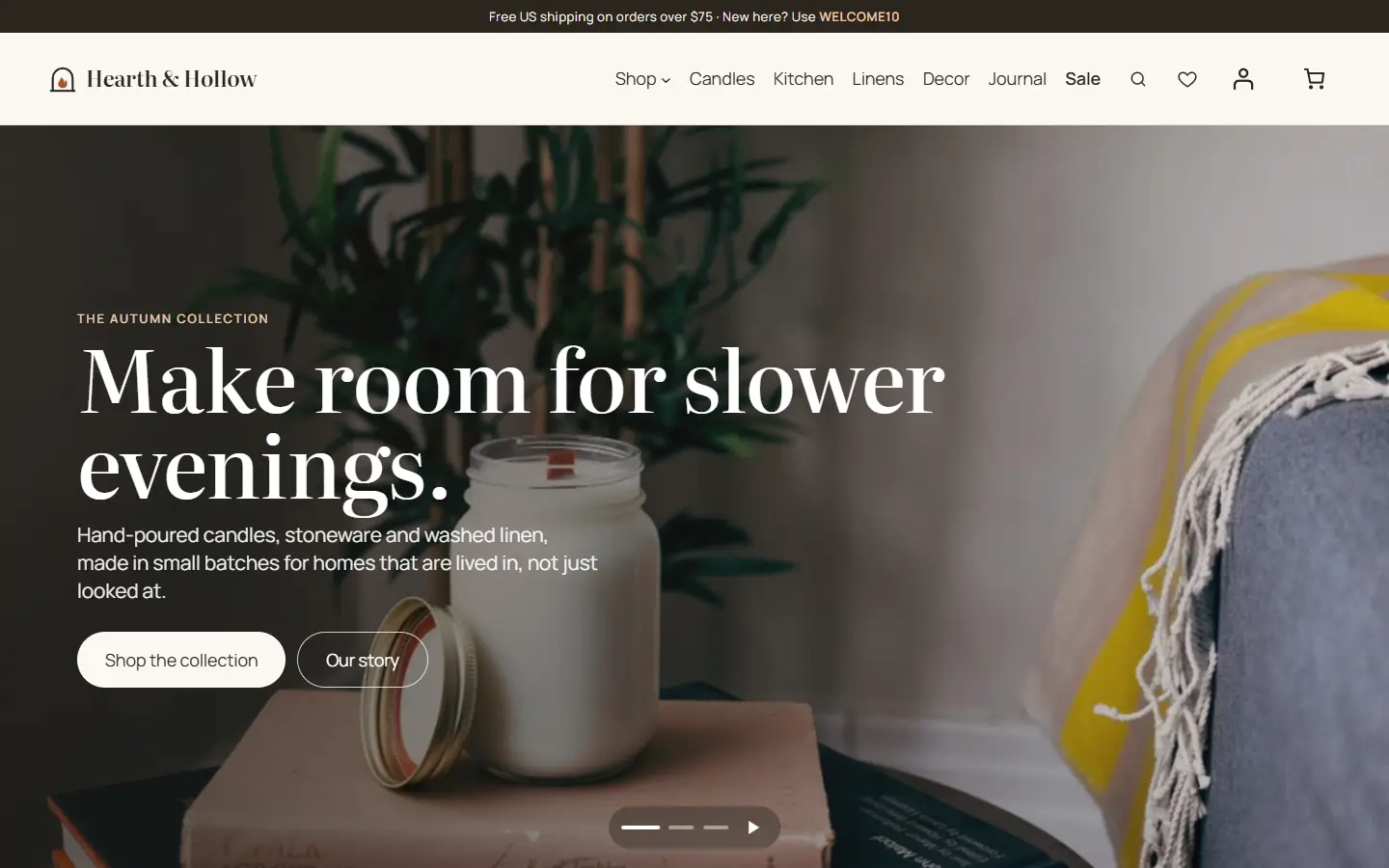
Hearth & Hollow setup guide
Install, import the demo, add your details and launch. Version 1.4.9.
Launch offer: 30% off any theme for the first 50 buyers, until 29 November. Use code EARLYBIRD at checkout.
Support
Start with the setup guide. If you are stuck, email us and we help you get it working. We usually reply the same day, and always within 3 days.
Every step from upload to launch, in plain words. Each theme's guide is also inside WordPress after you install it, under Appearance.
Install, import the demo, add your details and launch. Version 1.4.9.
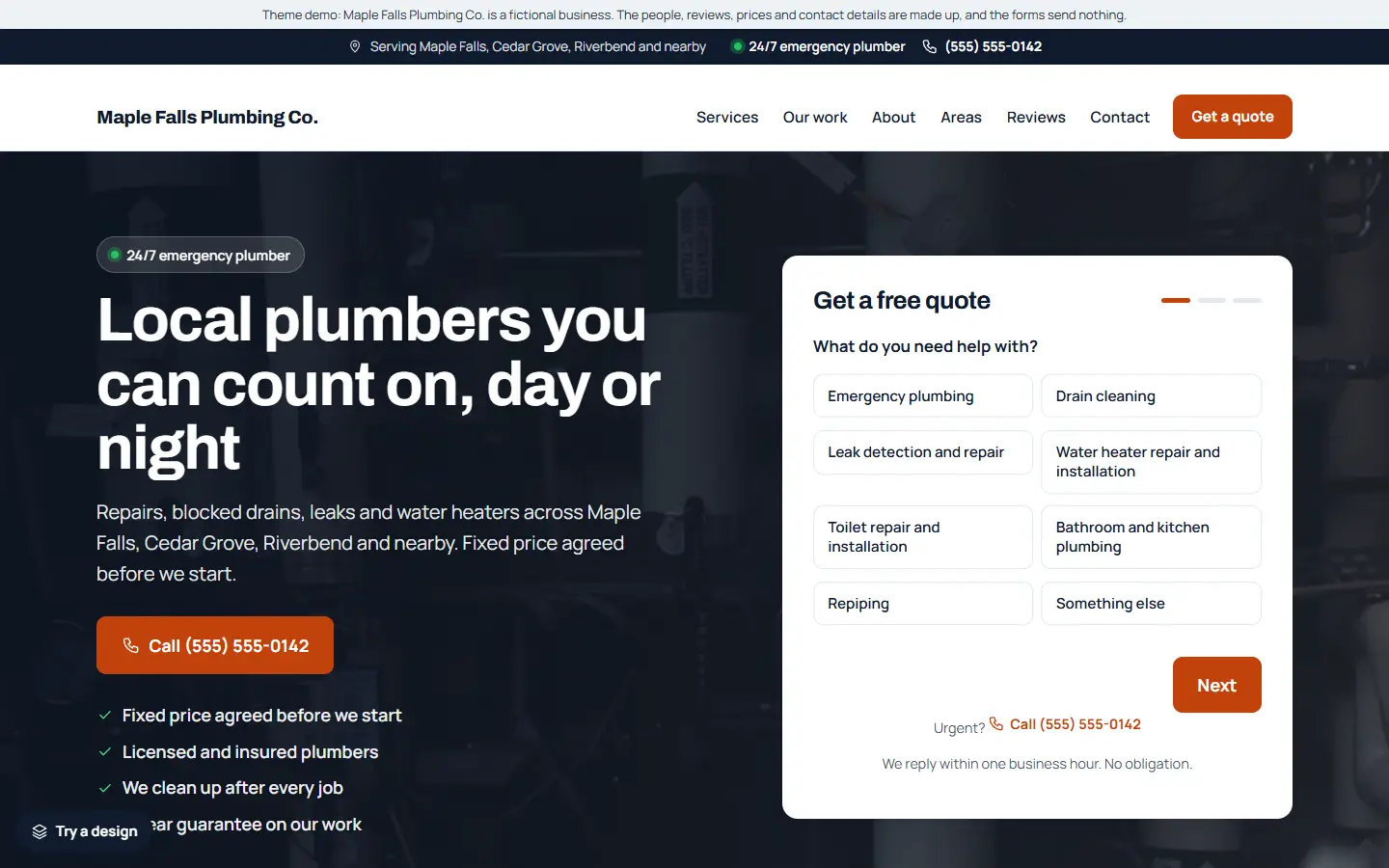
Install, import the demo, add your details and launch. Version 1.7.0.
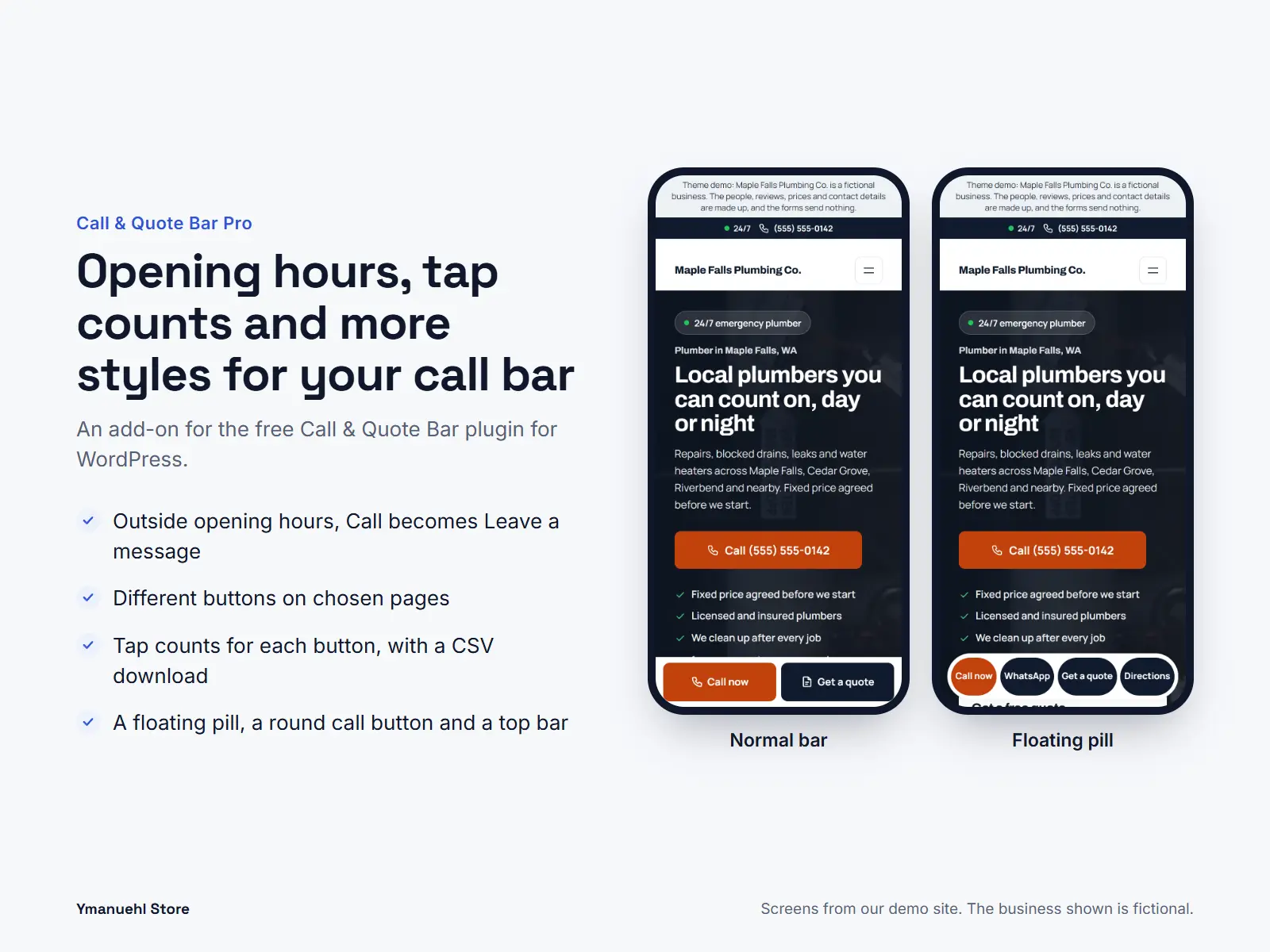
Install, then set your hours, buttons per page and style. Version 1.0.0.
Most questions about installing, importing the demo and the settings are answered there, with screenshots.
Write to support@ymanuehlstore.com with your order number, the product name and what you see. A screenshot helps.
We usually reply the same day, and always within 3 days. The person who built it answers you, by email.
For 12 months from the day you buy.
Every new version for 12 months from the day you buy: bug fixes, support for new WordPress versions, and any features we add. After that it keeps working as it is. See what is new.
Use the link in your receipt email from Lemon Squeezy, or find your order on Lemon Squeezy's My Orders page with the email address you bought with. Still stuck? Email us your order number.
Tell us within 14 days of buying. If we cannot fix it, you get a full refund. See the refund policy.
Questions
Yes. Every theme has a live demo you can click through on your phone and your computer, and its full setup guide is on this site.
A download link right away, on the confirmation page and by email. It contains the theme, its companion plugin, a child theme and the documentation.
No. You pay once. Your licence includes 12 months of updates and support, and the theme keeps working after that.
The theme keeps working with no time limit. If you want more updates and support, you can renew for another 12 months at 30% off the current price, now or later. Nothing renews automatically.
A Single site licence covers one live website plus test and staging copies. Where a product offers an Unlimited sites licence, it covers as many websites as you build.
Email us and we help you get it working. If it does not work as described and we cannot fix it, tell us within 14 days of buying for a full refund.
Our themes need a self-hosted WordPress site (WordPress.org software on hosting such as Hostinger, SiteGround or Bluehost). They do not work on the free WordPress.com plans, which do not allow uploading themes and plugins.
Support covers the theme as we ship it. If something stops working after you add your own code, we help you find out whether the theme or the new code is the cause, but we do not write or fix custom code under support.
No. Everything is edited in the normal WordPress editor, and the setup guide walks you through each step. A child theme is included if you do want to add code.