Cleaning Business Website: What to Include to Win Regular Clients
What a house or office cleaning website needs, from clear service lists and a quick quote form to trust details, service areas and real reviews.
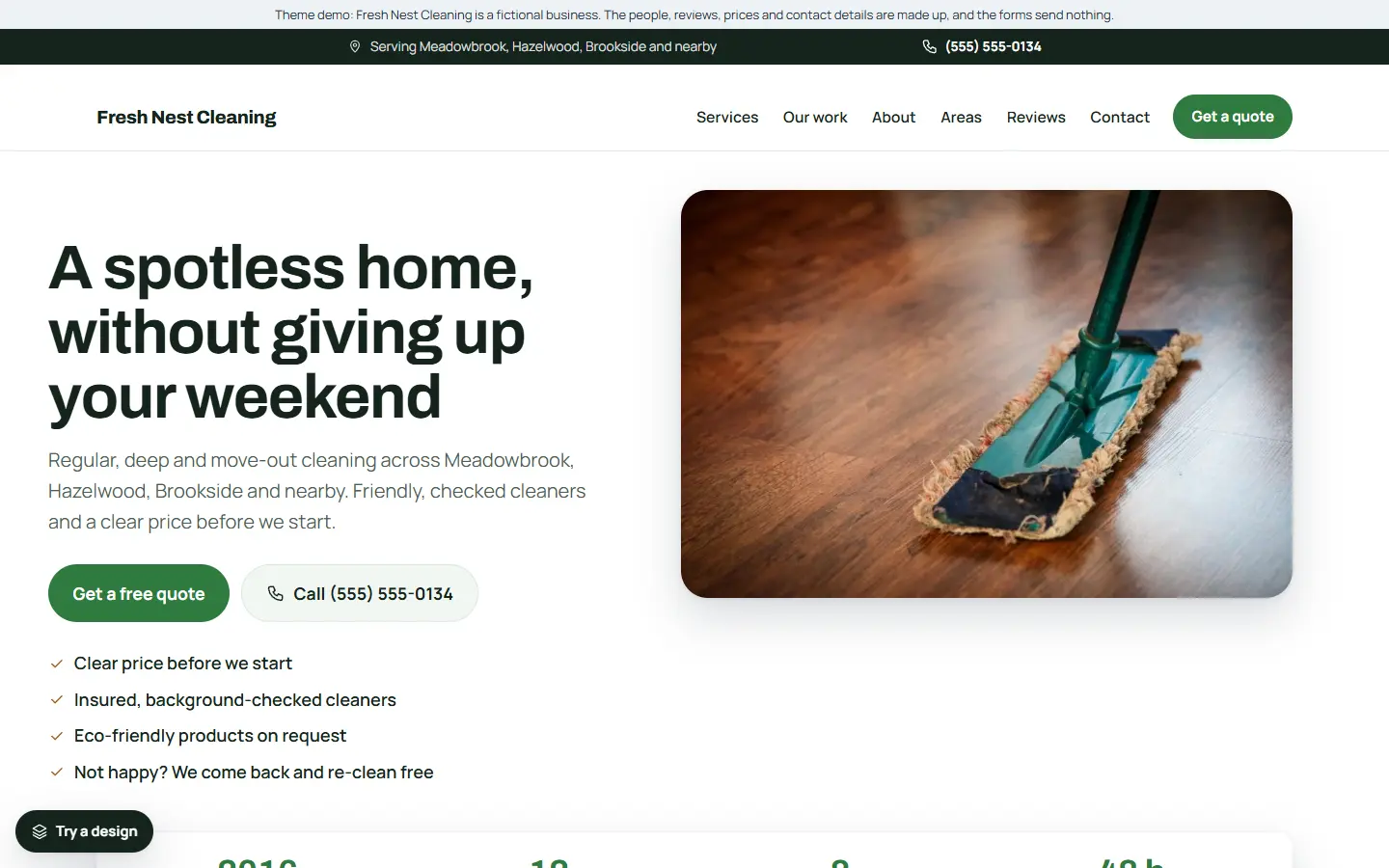
Hiring a cleaner means letting someone into your home or office, often when you are not there. So people choose carefully. They want to know exactly what is included, roughly what it costs, and above all that they can trust you.
A good cleaning website answers those three questions quickly. Here is what to include.
1. What each service includes
“Deep clean” means something different to everyone. Give each service its own page with a plain list of what you do:
- Regular home cleaning
- Deep cleaning
- Move-in and move-out cleaning
- Office cleaning
- Window cleaning
- Laundry and ironing, or any extras you offer
Also say what you do not do, if people often ask (for example outside windows above the ground floor). Clear lists prevent disappointment and make quoting easier.
2. A quote form that asks the size
Cleaning prices depend on the size of the place and how often you come. Ask for the type of property, the number of bedrooms and bathrooms (or the size of the office), how often they want cleaning, and when. A one-page form is fine for this.
3. Trust details, up front
Put the reasons to trust you where people will see them:
- That you are insured
- Whether your cleaners are vetted or background checked, if they are
- Whether the same cleaner comes each time
- What happens if something is not right after a clean
Only say what is true, and keep it short.
4. How regular cleaning works
Many of your best clients are regular ones. Explain how often you can come, whether they need to be home, how keys or access codes are handled, and how to pause or cancel. Simple plan boxes help people choose.
5. Checklists people can use
A move-out cleaning checklist or “how often to deep clean” article is genuinely useful, brings visitors from search, and shows you know the job.
6. Service areas and real reviews
List the towns and neighbourhoods you cover. Show reviews from real customers with the service they had, and link to your Google reviews. Never write or copy reviews.
7. A friendly, light look
People want to feel the clean before they book it. A light design, plenty of white space and real photos of your team at work suit cleaning far better than dark, busy pages.
8. Business details Google can read
Link your Google Business Profile with the same name and phone number, use page titles that say the service and the area (“Deep Cleaning in Springfield | Your Cleaning Co”), and add structured data with your business type and areas.
Quick checklist
- A page for each service, with what is included
- A quote form that asks the size and how often
- Insurance, vetting and your guarantee
- How regular cleaning works
- Helpful checklists
- Service areas and real reviews
- A light design with real photos
- Google Business Profile and structured data
Starting from a cleaning template
If you would rather start from a finished site, our cleaning business template for the Mainstay theme has this list ready to edit:
- A light, friendly design with a one-page quote form, with requests saved inside WordPress.
- Six service pages: regular home cleaning, deep cleaning, move-in and move-out cleaning, office cleaning, window cleaning, and laundry and ironing.
- Two articles: how often to deep clean, and a move-out cleaning checklist.
- Service areas, a reviews slider, opening hours and an about page, ready for your own details.
- One settings page for your business details, which also fills in the structured data Google reads.
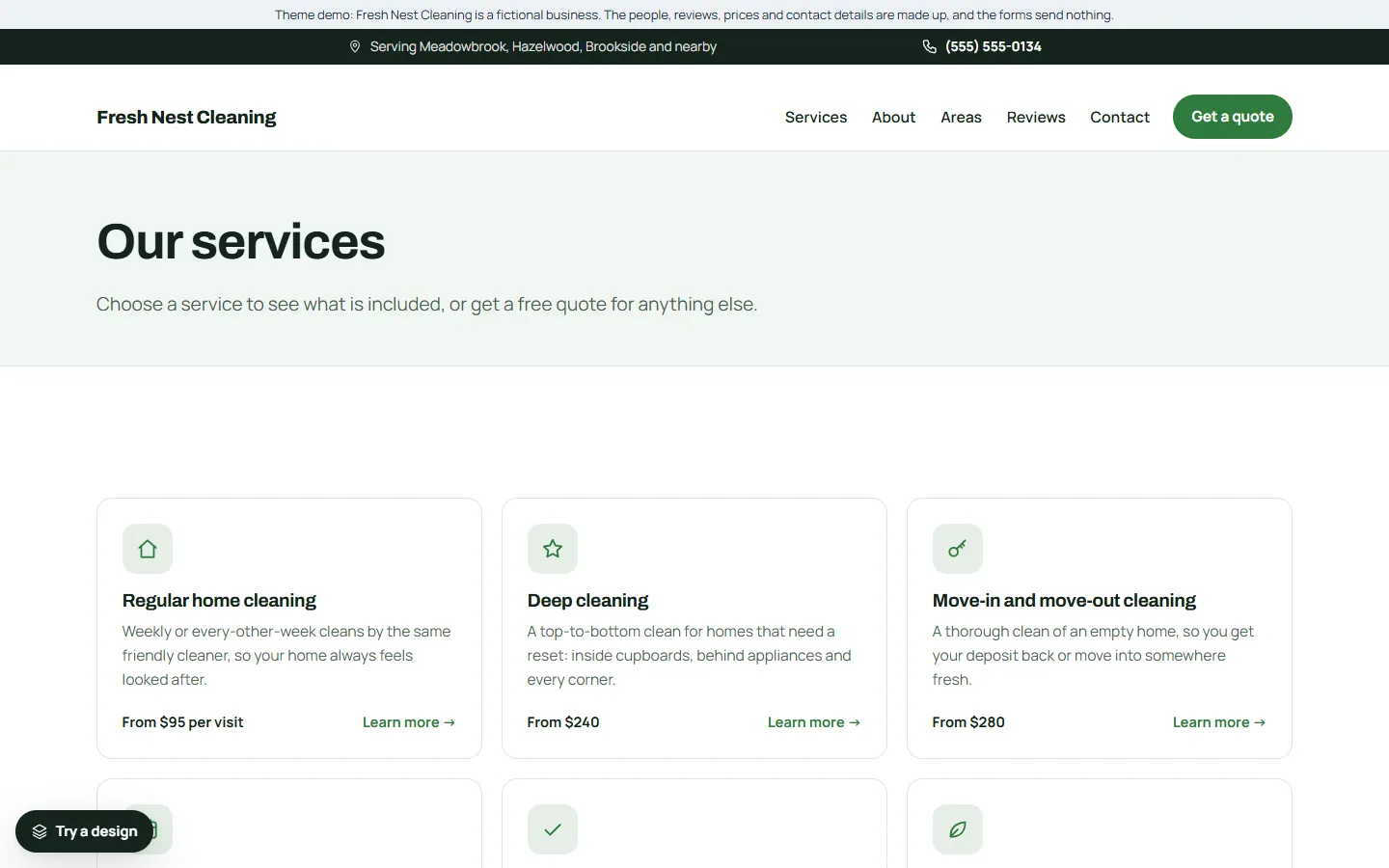
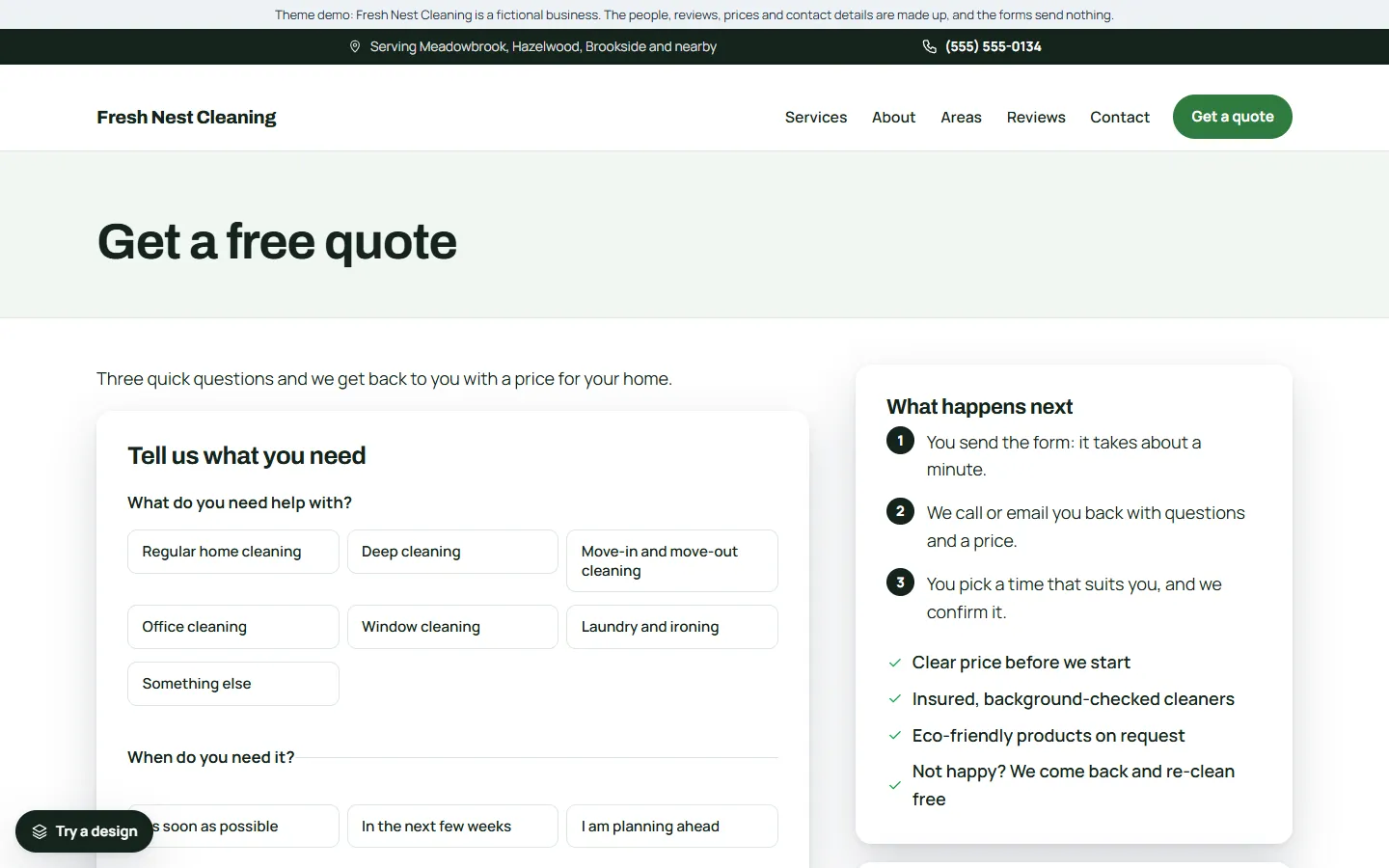
The demo business, Fresh Nest Cleaning, is made up. You can try the live demo on your phone and read the full setup guide before you buy.