HVAC Website: What Heating and Air Conditioning Companies Need
What an HVAC website needs to bring in repair calls and new system quotes, from same-day messaging and service pages to maintenance plans and the areas you cover.
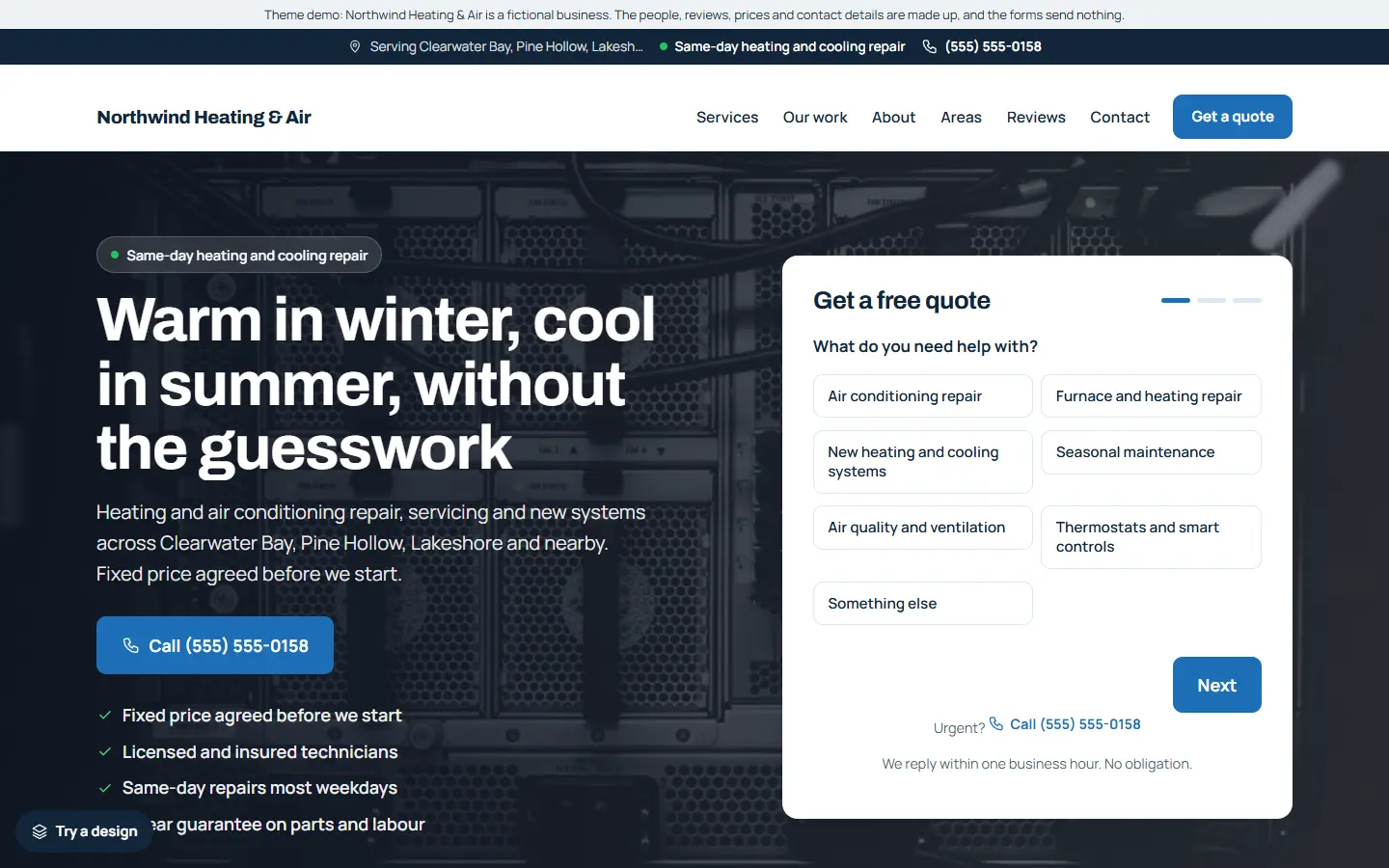
Heating and cooling customers come in two kinds. Some have an air conditioner blowing warm air in a heatwave, or a furnace that will not start on a cold night, and need someone today. Others are planning a new system and want to compare a few companies. Your website has to work for both.
Here is what an HVAC website should include.
1. A phone number and “same day” up front
If you offer same-day or emergency repairs, say so on the first screen, with your phone number next to it as a tap-to-call link. On phones, keep Call and Get a quote buttons on screen on every page.
2. A short quote form
For new systems and planned work, many people prefer to describe the job first. Ask what they need (repair, new system, maintenance), whether it is heating or cooling, and how to reach them. Keep it short, and test that requests reach an inbox you check.
3. One page for each service
Give each main service its own page:
- Air conditioning repair
- Furnace and heating repair
- New heating and cooling systems
- Seasonal maintenance
- Air quality and ventilation
- Thermostats and smart controls
Each page should describe the common problems, what you do and what happens next, and end with a call or quote button. A page about exactly “AC repair” is what Google shows to someone searching for it.
4. Maintenance plans
Regular servicing keeps systems running and gives you repeat customers. If you offer a plan, show what it includes, how often you visit and what it costs, in simple boxes side by side.
5. Licences, insurance and brands
Show your licence or certification where your area requires one, say that you are insured, and mention the brands you install and service if that matters to your customers. Only list what is true.
6. Helpful seasonal advice
Short articles such as “Why is my AC blowing warm air?” or “Servicing your furnace before winter” answer what people really search for, and lead naturally to a booking. Write them in plain words and keep them honest.
7. Service areas and real reviews
List the towns you cover, and show reviews from real customers with the job you did. Link to your Google reviews. Never write or copy reviews.
8. Business details Google can read
Link your Google Business Profile with exactly the same name, address and phone number, use page titles that say the service and the area (“AC Repair in Springfield | Your Heating & Air”), and add structured data with your business type, hours and areas.
Quick checklist
- Same-day or emergency message with a tap-to-call number
- A short quote form
- A page for each service
- Maintenance plans, if you offer them
- Licences, insurance and brands shown
- Seasonal advice articles
- Service areas and real reviews
- Google Business Profile and structured data
Starting from an HVAC template
If you would rather start from a finished site, our HVAC template for the Mainstay theme has this list ready to edit:
- Same-day repair messaging and a quote form, with requests saved in a Quote requests list inside WordPress.
- Six service pages: air conditioning repair, furnace and heating repair, new heating and cooling systems, seasonal maintenance, air quality and ventilation, and thermostats and smart controls.
- Two articles: an AC blowing warm air, and servicing your furnace before winter.
- Service areas, sample reviews, opening hours and an about page, ready for your own details.
- One settings page for your business details, which also fills in the structured data Google reads.
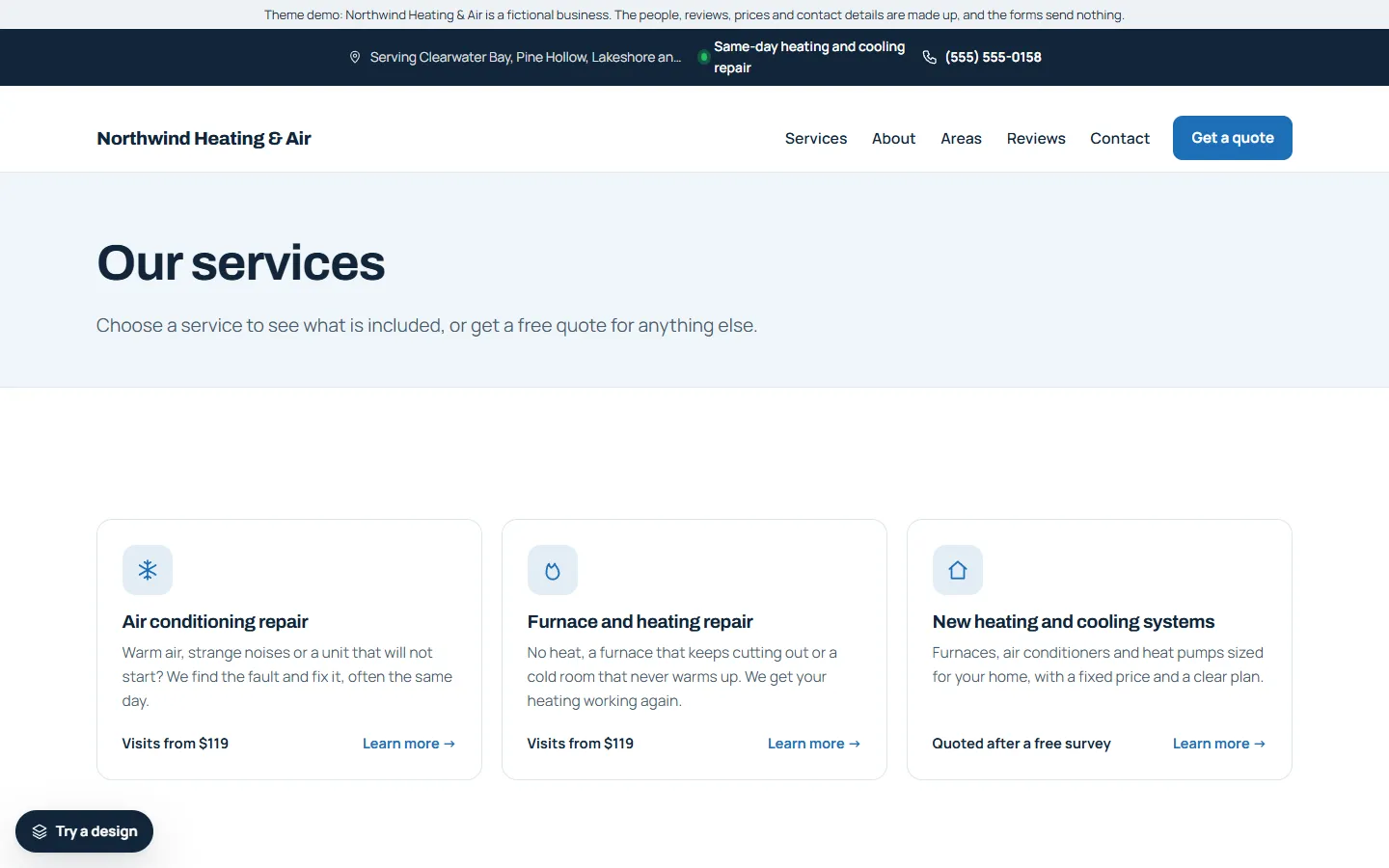
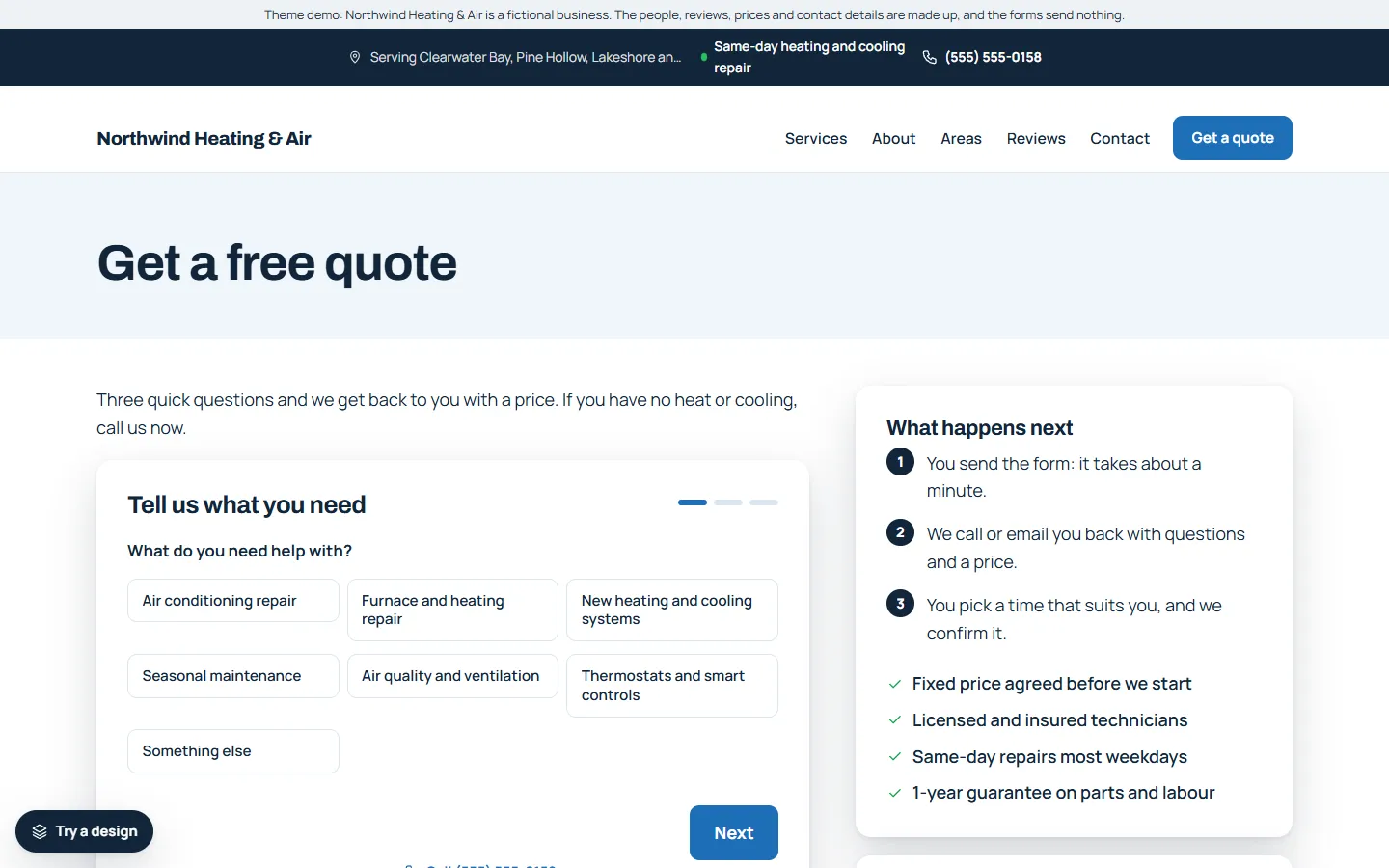
The demo business, Northwind Heating & Air, is made up. You can try the live demo on your phone and read the full setup guide before you buy.