Locksmith Website: How to Get More Lockout Calls
What a locksmith website needs, from a 24/7 call button on the first screen to clear prices, ID checks, service pages and the areas you cover.
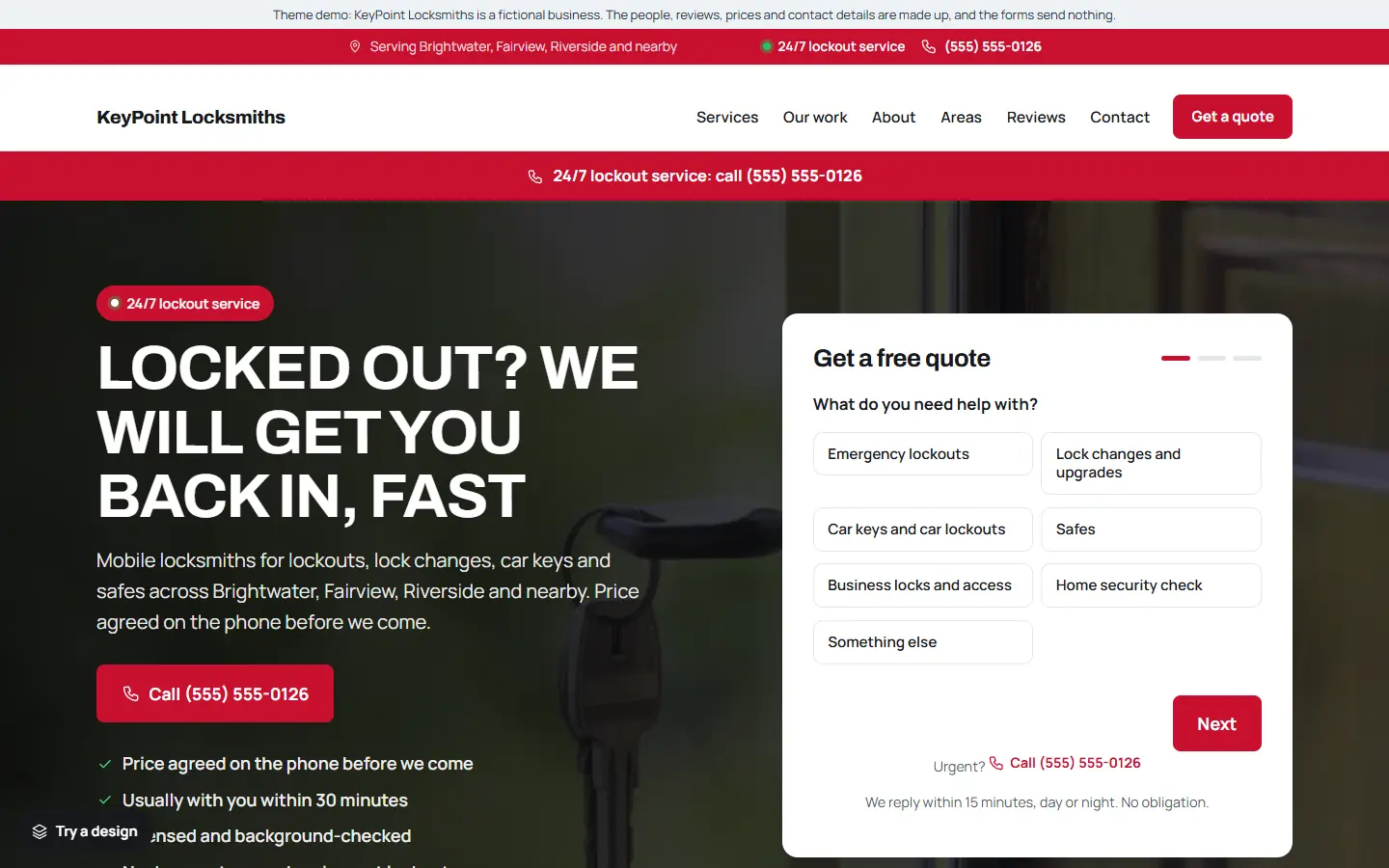
Most people find a locksmith while standing outside a locked door, often at night, on a phone with a low battery. They will not read your story. They will call the first locksmith who looks trustworthy and is easy to reach.
So a locksmith website has one main job: get the right people to call, fast, and make them feel safe doing it. Here is what to include.
1. A call button before anything else
Put a big Call now button on the first screen, with your number written out, and a call band across the top of every page if you take emergency calls. On phones, keep the call button on screen at all times. The quote form matters less for lockouts than for any other trade.
2. When you are available
Say exactly when you answer: “24/7”, “7 am to midnight”, or your real hours. If you have a typical arrival time in your area, say it, but only if you can keep to it.
3. Clear prices, or how you price
People locked out worry about being overcharged. If you can, publish a starting price for a lockout, and explain what can change it, such as the time of day or the type of lock. Being upfront is one of the strongest reasons to choose you.
4. How you check who you are helping
Say that you ask for ID or proof of address before opening a door. It reassures customers that you would not open their home for someone else, and it shows you are a professional.
5. One page for each service
Give the main services their own pages:
- Emergency lockouts
- Lock changes and upgrades
- Car keys and car lockouts
- Safes
- Business locks and access control
- Home security checks
Planned work like lock changes after moving or a security upgrade is where most of your calmer, comparing customers come from.
6. Licences, insurance and real people
Show your licence where your area requires one, say that you are insured, and add a short about page with real photos of you and your van. Trust is everything for a stranger at someone’s door.
7. Service areas and real reviews
List the towns and neighbourhoods you cover, and show reviews from real customers with the job you did. Link to your Google reviews. Never write or copy reviews.
8. Business details Google can read
Link your Google Business Profile with the same name and phone number, use page titles that say the service and the area (“Emergency Locksmith in Springfield | Your Locksmith Co”), and add structured data with your business type, hours and areas.
Quick checklist
- A call button on the first screen, and on screen on phones
- Your real availability
- Prices, or how you price
- ID checks explained
- A page for each service
- Licence, insurance and real people
- Service areas and real reviews
- Google Business Profile and structured data
Starting from a locksmith template
If you would rather start from a finished site, our locksmith template for the Mainstay theme has this list ready to edit:
- A 24/7 lockout call band at the top and the call button first, in the dark Emergency design.
- Six service pages: emergency lockouts, lock changes and upgrades, car keys and car lockouts, safes, business locks and access, and a home security check.
- Two articles: what to do when you are locked out, and changing locks after moving.
- Service areas, sample reviews, opening hours and an about page, ready for your own details.
- One settings page for your business details, which also fills in the structured data Google reads.
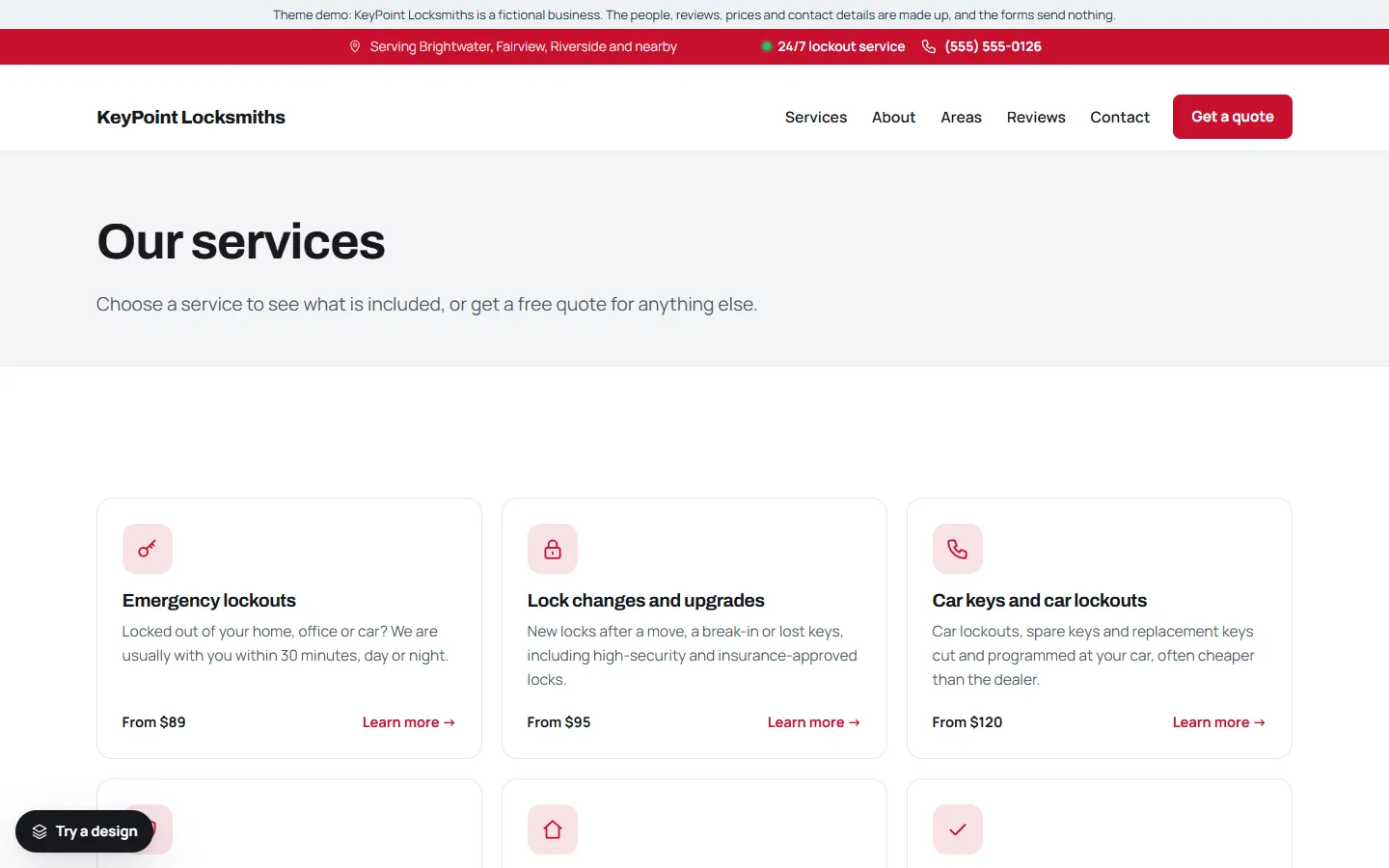
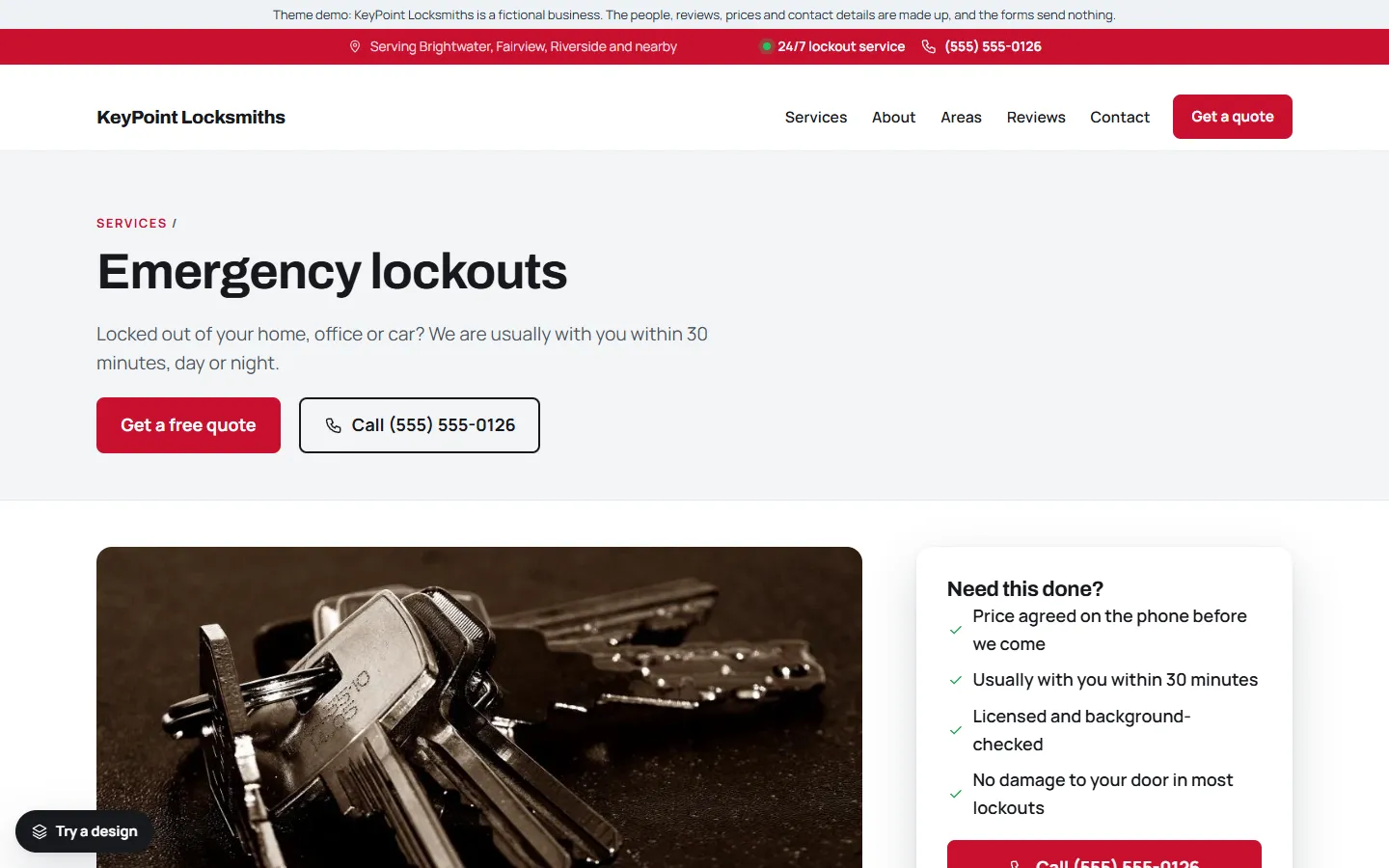
The demo business, KeyPoint Locksmiths, is made up. You can try the live demo on your phone and read the full setup guide before you buy.