Mobile Mechanic Website: What Customers Need to See
What a mobile mechanic website needs, from a quote form that asks the make, model and year to clear service pages, warning light help and the areas you cover.
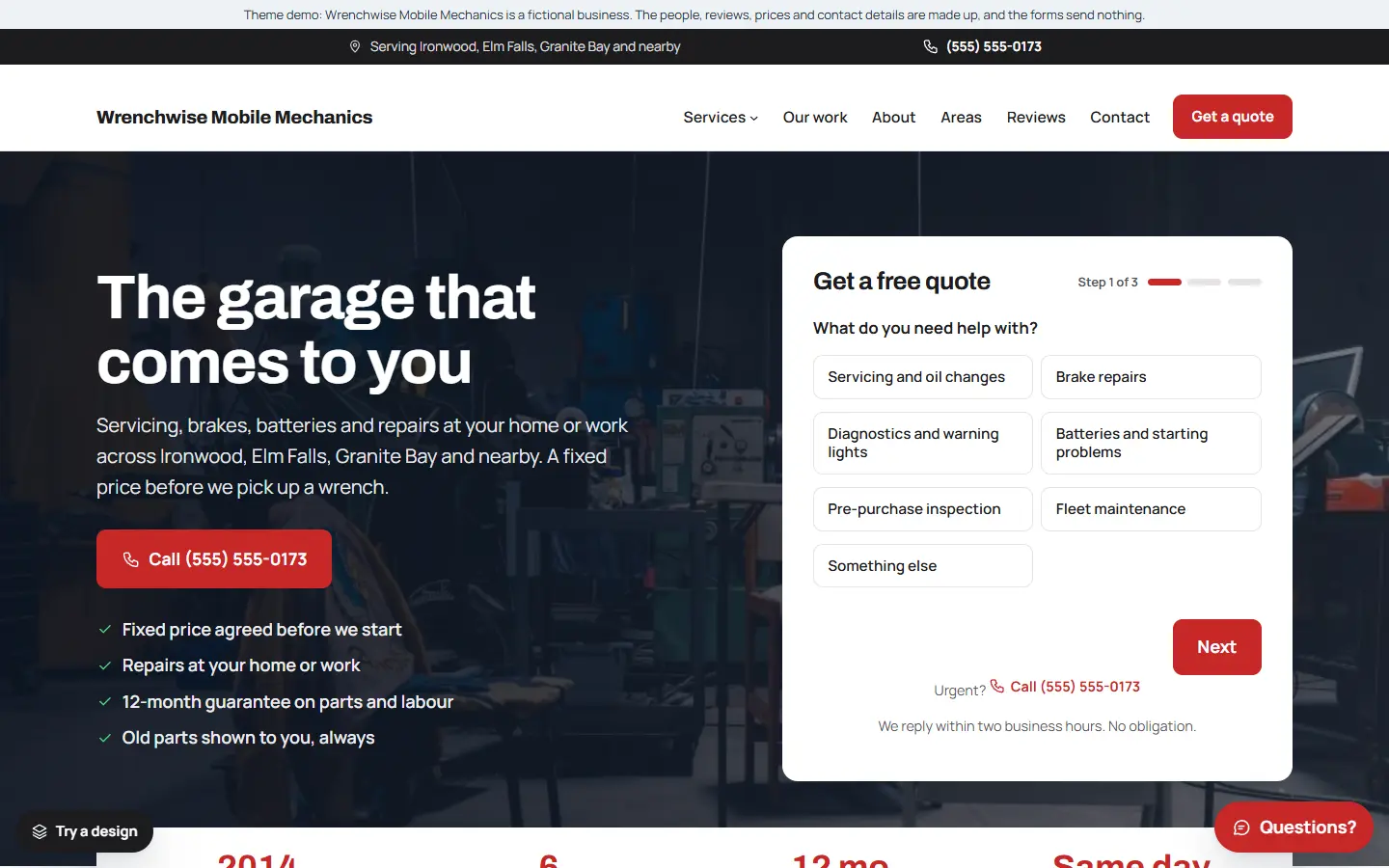
People look for a mobile mechanic when the car will not start in the driveway, a warning light comes on, or they simply do not have time to take the car to a garage. They want to know quickly whether you can fix their problem where the car is, roughly what it will involve, and when you can come.
Here is what a mobile mechanic website should include.
1. A quote form next to the headline
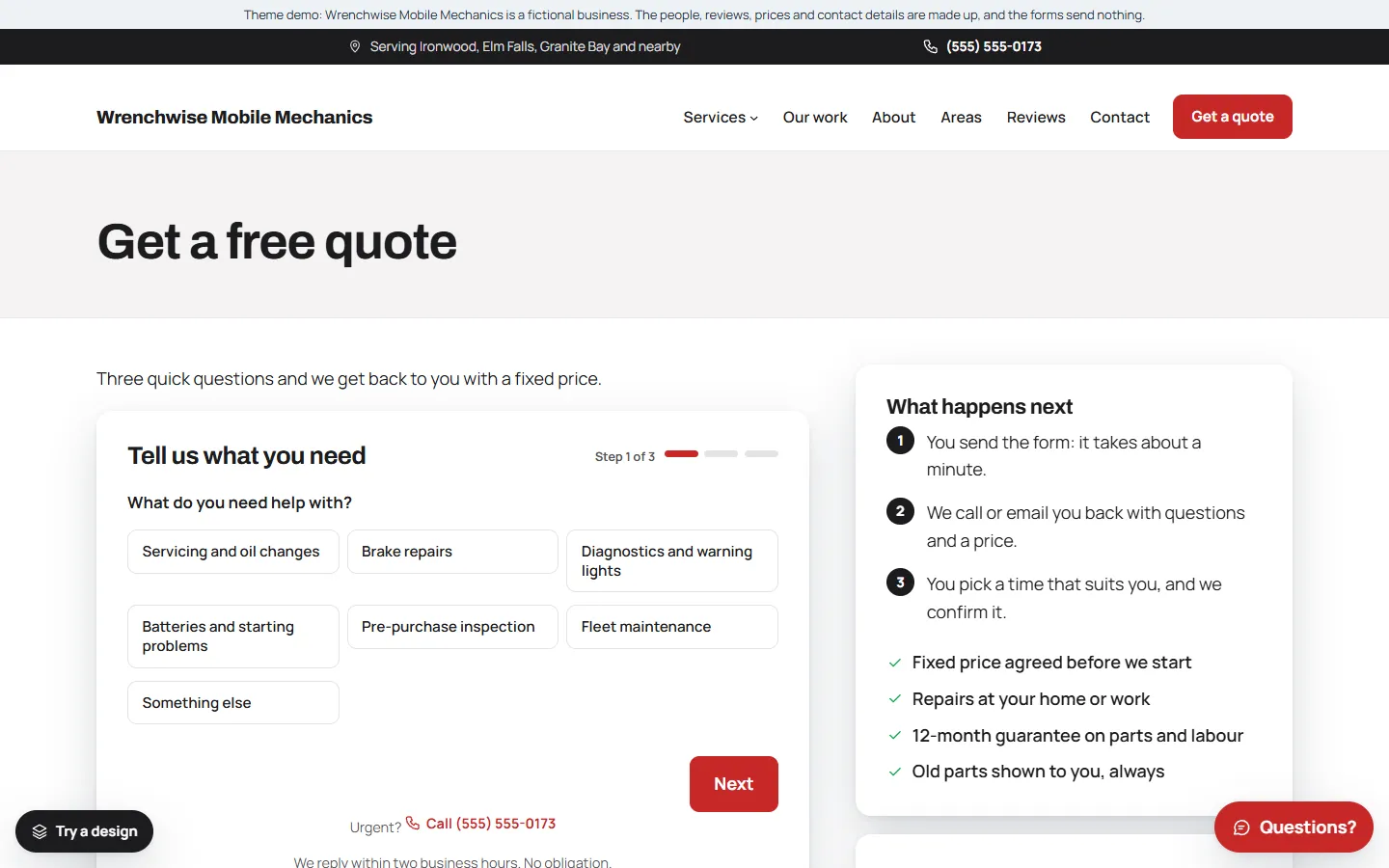
Put the quote form on the first screen. Ask for:
- The make, model and year
- What is wrong, in their words
- Whether the car starts
- Where the car is, and when suits them
These answers tell you whether it is a job for the roadside or the workshop before you call back, and they show the customer you know what matters.
2. Your phone number on every page
Some people would rather call, especially when the car will not start. Put your number at the top of every page as a tap-to-call link, and keep Call and Get a quote buttons on screen on phones.
3. What you can and cannot do on site
Be honest about the jobs you do at the customer’s home or work, and the ones that need a workshop. It saves wasted visits and builds trust. A short list on the home page and on each service page is enough.
4. One page for each service
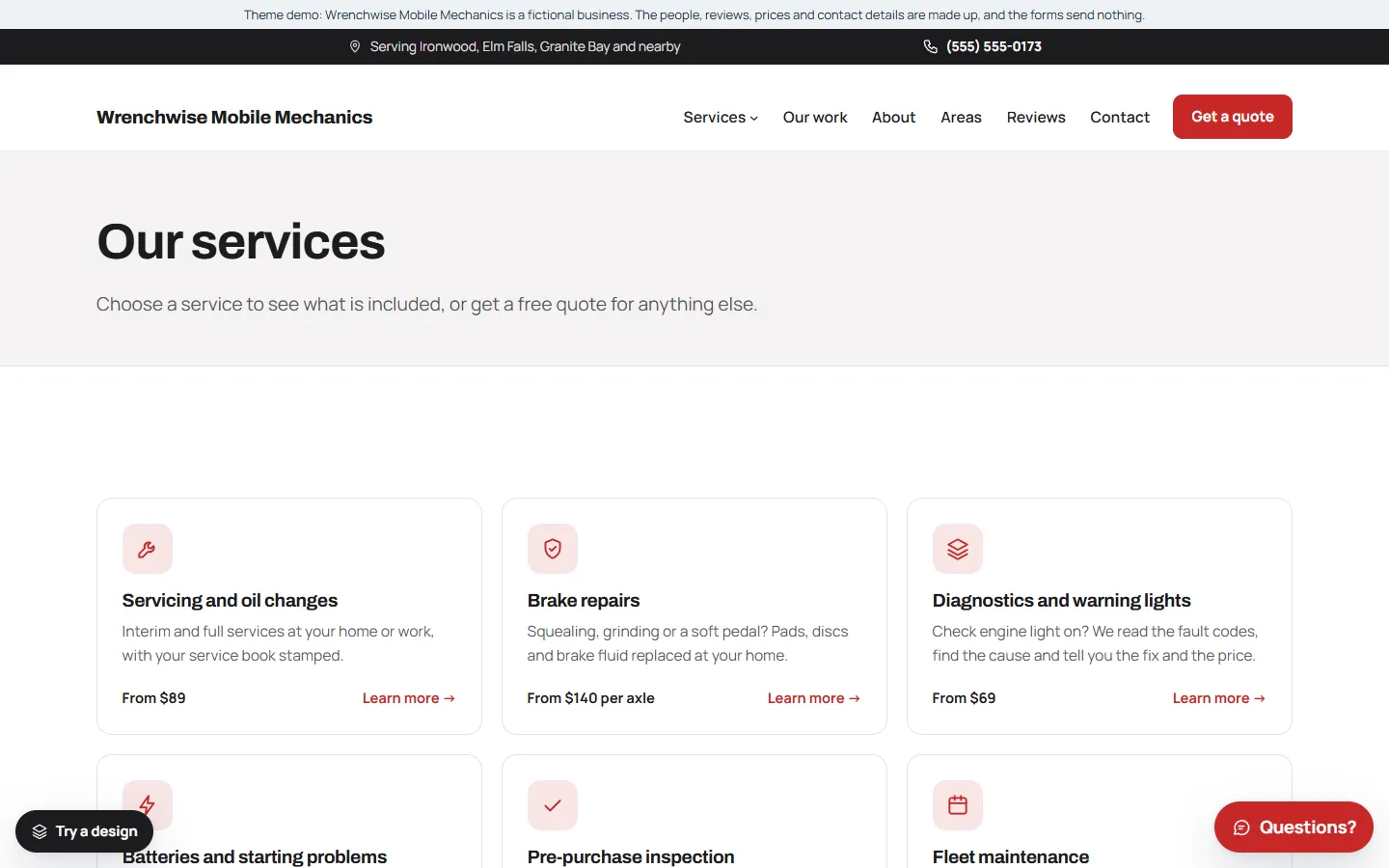
Give the main jobs their own pages:
- Servicing and oil changes
- Brake repairs
- Diagnostics and warning lights
- Batteries and starting problems
- Pre-purchase inspections
- Fleet maintenance, if you do it
Each page should say what is involved, roughly how long it takes, and end with a quote button.
5. Help with warning lights
“What does this light mean?” is one of the most common questions drivers ask. A short section explaining the main warning lights, and which ones mean “stop driving now”, is genuinely useful, brings visitors from search and leads naturally to a booking.
6. Parts, warranty and payment
Say what kind of parts you fit, whether your work comes with a warranty, and how customers can pay. If you are insured, say so.
7. Areas you cover
List the towns and neighbourhoods you drive to. Put it on its own page and in the footer, so visitors know straight away and Google can show you nearby.
8. Real reviews
Show reviews from real customers, with the job and the car if they agree, and link to your Google reviews. Never write or copy reviews.
9. Business details Google can read
Link your Google Business Profile with the same name and phone number, use page titles that say the service and the area (“Mobile Brake Repair in Springfield | Your Mechanic Co”), and add structured data with your business type and areas.
Quick checklist
- A quote form on the first screen, with make, model, year and “does it start?”
- Tap-to-call number on every page, and a call bar on phones
- What you can fix on site, and what needs a workshop
- A page for each main service
- A warning lights section
- Parts, warranty and payment explained
- Areas you cover
- Real reviews
- Google Business Profile and structured data
Starting from a mobile mechanic template
If you would rather start from a finished site, our mobile mechanic template for the Mainstay theme has this list ready to edit:
- The quote form next to the headline, asking the make, model and year and whether the car starts.
- Six service pages: servicing and oil changes, brake repairs, diagnostics and warning lights, batteries and starting problems, pre-purchase inspection and fleet maintenance.
- A “What your warning lights mean” section, a Services dropdown in the menu and a Workshop design in engine grey.
- Service areas, sample reviews, opening hours and an about page, ready for your own details.
- One settings page for your business details, which also fills in the structured data Google reads.
The demo business, Wrenchwise Mobile Mechanics, is made up. You can try the live demo on your phone and read the full setup guide before you buy.