Pest Control Website: What to Include So People Call You
The pages and features a pest control website needs, from a quote form that asks what the customer is seeing to safety notes, licences and prevention plans.
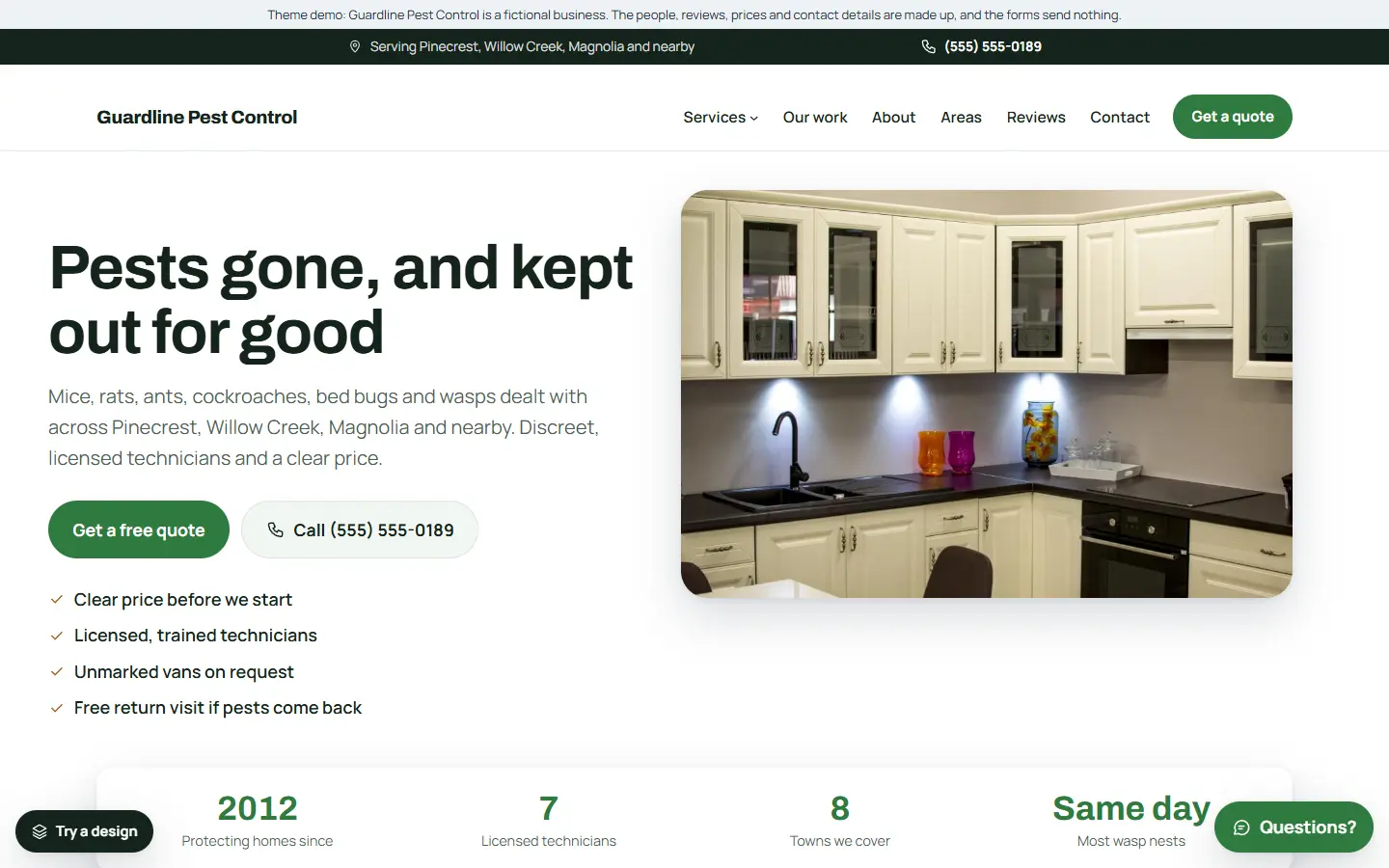
Nobody looks for pest control for fun. They have just seen a mouse in the kitchen, found droppings in a cupboard or noticed wasps going in and out of the roof. They are uneasy, sometimes embarrassed, and they want two things quickly: to know you deal with their problem, and to know it will be handled safely and discreetly.
A good pest control website answers both on the first screen, then gives enough detail for the people who are comparing a few companies. Here is what to include.
1. Your phone number, impossible to miss
Put your number at the top of every page as a tap-to-call link, and keep Call and Get a quote buttons on screen on phones. Many pest calls are made the moment the problem is found, so the number should never be more than one tap away.
2. A quote form that asks what they are seeing
People do not always know the name of the pest, but they know what they saw. A short quote form that starts with “What are you seeing?” (mice or rats, ants, cockroaches, bed bugs, wasps, something else) gives you the right information before you call back, and feels easy to fill in on a phone.
Add where it is (home, business, outbuilding), how long it has been going on, and the best way to reach them.
3. One page for each pest
Give each common problem its own page: mice and rats, ants and cockroaches, bed bugs, wasp and hornet nests, and commercial work if you do it. On each page explain:
- The signs people usually notice
- How you treat it, in plain words
- How many visits it usually takes, if that is predictable
- A call and quote button
Someone searching “bed bug treatment” in your town then lands on a page about exactly that.
4. A “signs you have…” section
Many visitors are not sure yet. A short section such as “Signs you have mice” (droppings, gnawing, scratching at night, a musty smell) helps them decide, keeps them on your site and shows you know the job.
5. Safety and discretion
Customers worry about children, pets and neighbours. Say clearly:
- What you do to keep treatments safe at home
- Whether people or pets need to stay out of a room, and for how long
- That you can arrive in an unmarked vehicle, if you offer that
6. Licences and insurance
Pest control is regulated in many places. Show your licence or registration number where your area uses one, and say that you are insured. Put it on the home page, the about page and in the footer.
7. Prevention plans for repeat customers
Homes and businesses that had one problem often want to avoid the next one. If you offer regular visits, describe what a prevention plan includes and how often you come. Simple plan boxes with what is included make the choice easy.
8. Service areas and real reviews
List the towns you cover, so visitors know straight away you can help and Google can show you in those places. Show reviews from real customers, with the problem you solved, and link to your Google reviews. Never write or copy reviews.
9. Business details Google can read
Link your Google Business Profile to the site with exactly the same name, address and phone number. Use page titles that name the pest and the area, such as “Mouse Control in Springfield | Your Pest Co”, and add structured data (schema) with your business type, hours and areas. Some themes fill this in from your settings.
Quick checklist
- Tap-to-call number on every page, and a call bar on phones
- A quote form that asks what they are seeing
- A page for each pest you treat
- A “signs you have…” section
- Safety and discretion explained
- Licence and insurance shown
- Prevention plans described, if you offer them
- Service areas and real reviews
- Google Business Profile and structured data
Starting from a pest control template
If you would rather start from a finished site, our pest control template for the Mainstay theme has this list ready to edit:
- A quote form that asks what the customer is seeing, with requests saved in a Quote requests list inside WordPress.
- Six service pages: mice and rat control, ants and cockroaches, bed bug treatment, wasp and hornet nests, commercial pest control and home prevention plans.
- A “Signs you have mice” section, prevention plans and a mega menu with services, areas and help.
- Service areas, sample reviews, opening hours and an about page, ready for your own details.
- One settings page for your business details, which also fills in the structured data Google reads.
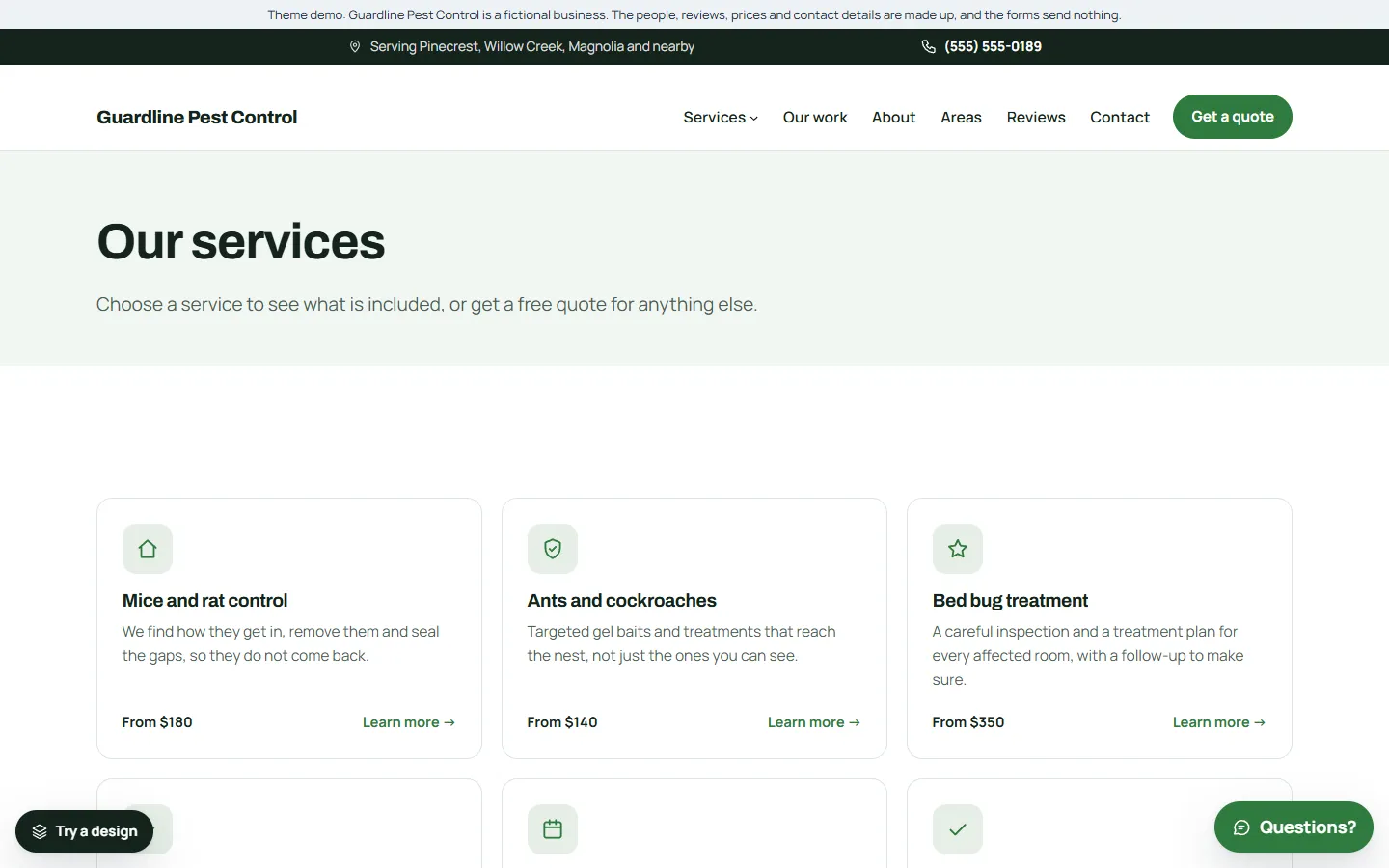
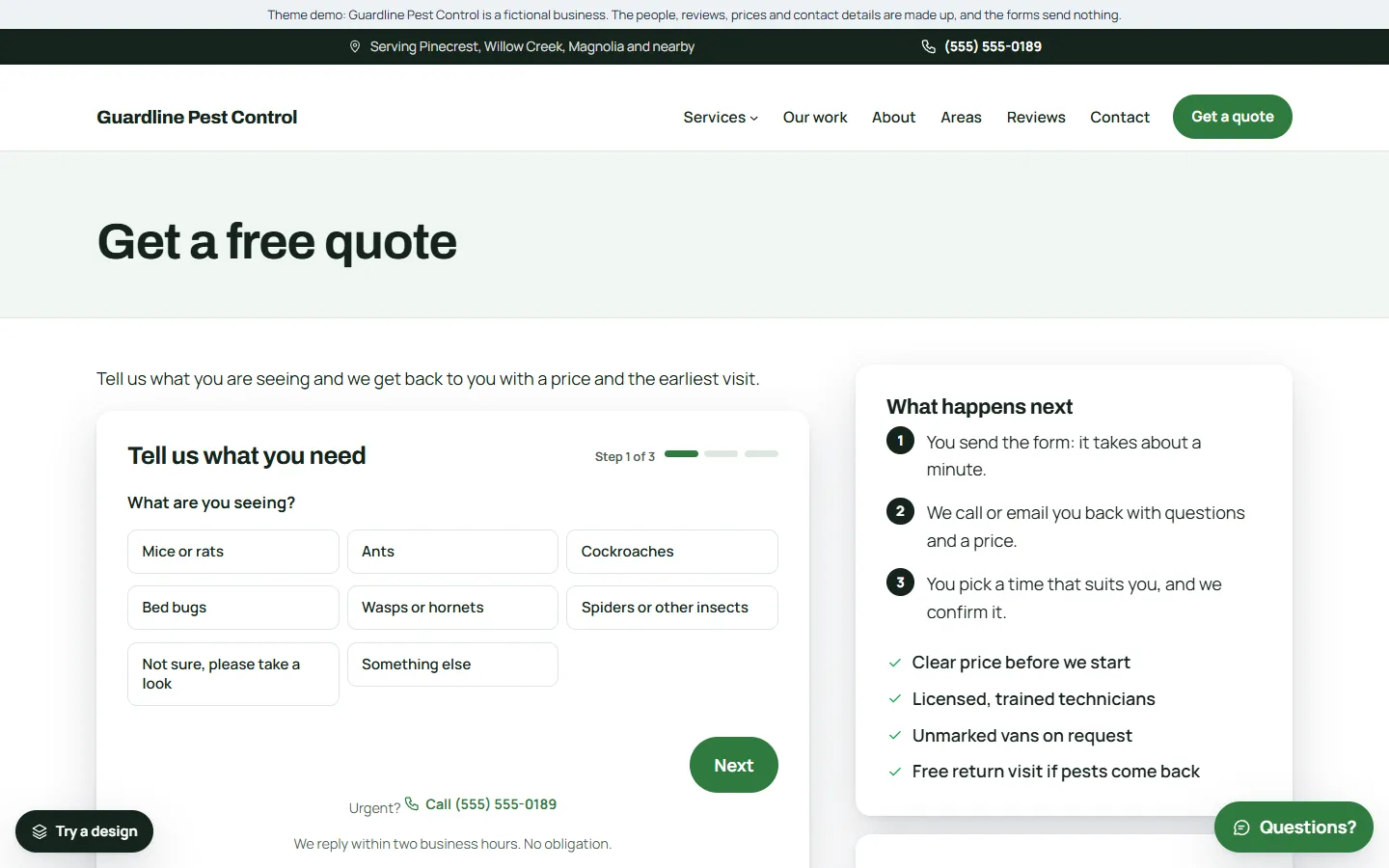
The demo business, Guardline Pest Control, is made up. You can try the live demo on your phone and read the full setup guide before you buy.