Pressure Washing Website: How to Turn Before and After Photos into Jobs
What a pressure washing or soft washing website needs, from before and after photos and surface pages to a quote form that asks what needs cleaning and how big it is.
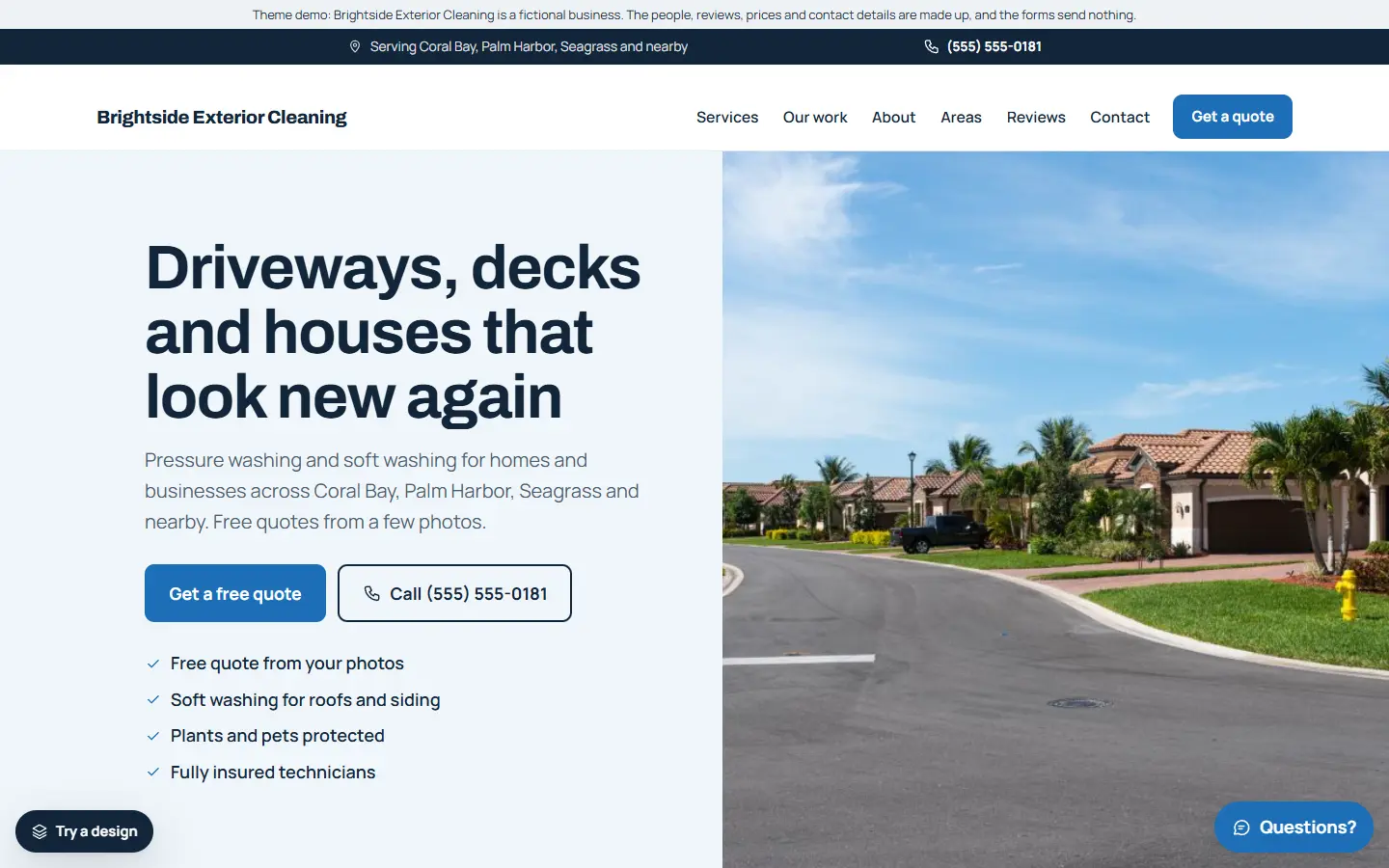
Pressure washing is one of the easiest trades to show off. A grey, green-streaked driveway next to the same driveway clean says more than any paragraph. The job of your website is to put that proof in front of people quickly, then make it easy to ask for a price.
Here is what a pressure washing website should include.
1. Before and after photos under the headline
Put your best before and after photos of real jobs near the top of the home page: driveways, patios, decks, fences, walls and roofs. Take each pair from the same spot in similar light, so the difference is the cleaning, not the weather.
Use only your own photos, and only of properties whose owners are happy for you to show them.
2. A page for each surface
Customers search for the thing they want cleaned, not for “exterior cleaning services”. Give each its own page:
- Driveways
- Patios and paths
- Decks and fences
- House walls and siding
- Roofs
- Commercial buildings, if you do them
On each page say how you clean that surface, how long it usually takes and what the customer needs to do beforehand.
3. Pressure washing or soft washing
Many customers do not know the difference, and some worry about damage. Explain in plain words when you use high pressure and when you use low pressure with cleaning solutions (soft washing), for example on render, siding or roofs. It shows you know the job and answers a question people really search for.
4. A quote form that asks what and how big
Prices depend on the surface and the size. A short form that asks what needs cleaning (you can let people tick more than one), roughly how big it is, and the address gives you enough to quote without a visit for many jobs. Ask for photos by email or WhatsApp if that helps.
5. What customers need to know before you arrive
Answer the practical questions: do you need an outside tap and power, should cars be moved, how long until the surface is dry, do you need anyone at home. A short “before we arrive” list prevents wasted trips.
6. Service areas and real reviews
List the towns you cover, and show reviews from real customers with the job you did. Link to your Google reviews. Never write or copy reviews.
7. Easy contact on a phone
Keep Call and Get a quote buttons on screen on phones. Many people look up a cleaner while standing on the dirty patio.
8. Business details Google can read
Link your Google Business Profile with the same name and phone number, use page titles that say the service and the area (“Driveway Cleaning in Springfield | Your Co”), and add structured data with your business type and areas.
Quick checklist
- Before and after photos near the top
- A page for each surface you clean
- Pressure washing and soft washing explained
- A quote form that asks what needs cleaning and the size
- A “before we arrive” list
- Service areas and real reviews
- Call and quote buttons on phones
- Google Business Profile and structured data
Starting from a pressure washing template
If you would rather start from a finished site, our pressure washing template for the Mainstay theme has this list ready to edit:
- Before and after photos under the headline, in a large gallery of your work.
- A quote form that asks what needs cleaning and roughly how big it is, with requests saved inside WordPress.
- Six service pages: driveway cleaning, patio and path cleaning, deck and fence cleaning, house soft washing, roof cleaning and commercial exterior cleaning.
- Service areas, sample reviews, opening hours and an about page, ready for your own details.
- One settings page for your business details, which also fills in the structured data Google reads.
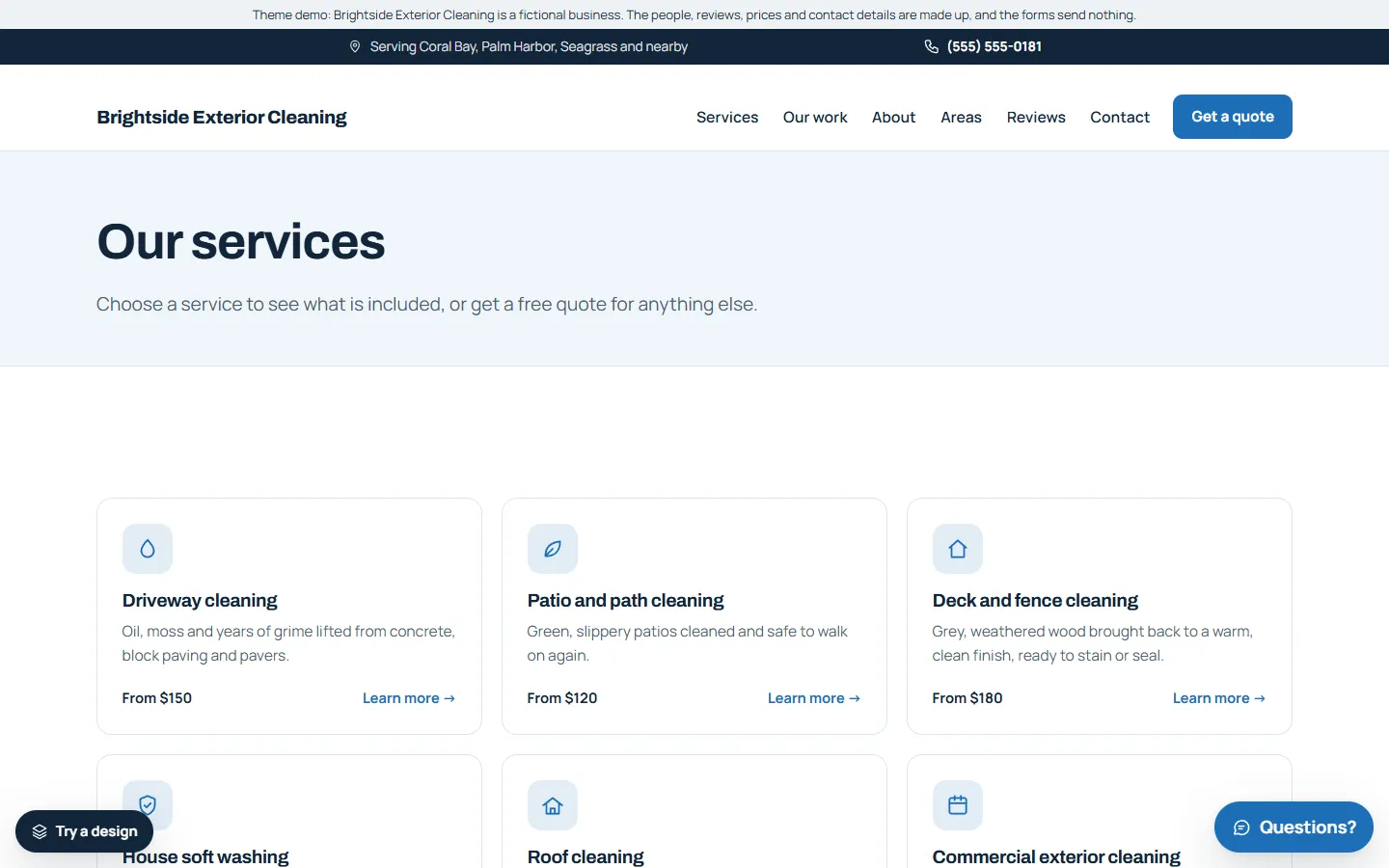
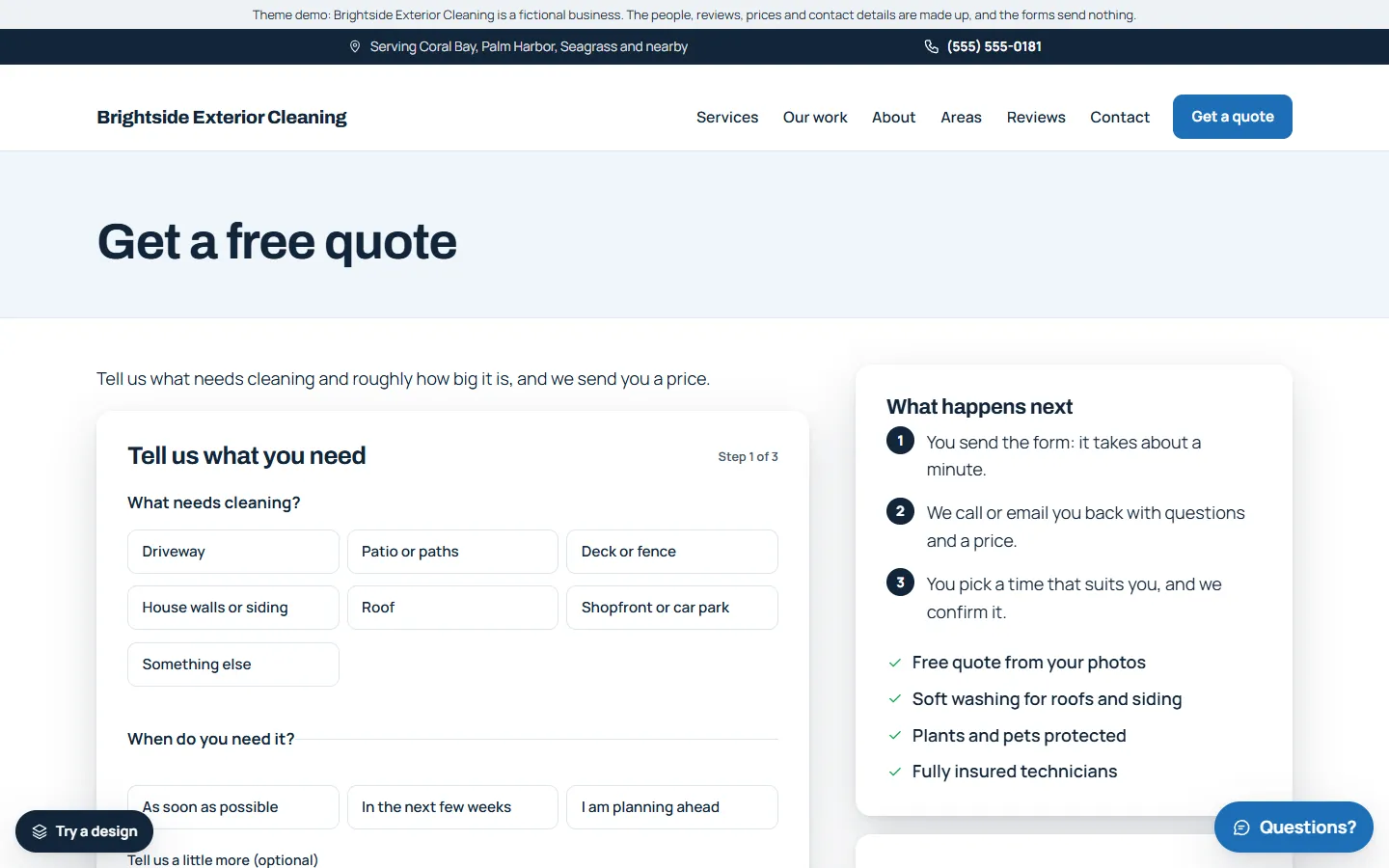
The demo business, Brightside Exterior Cleaning, is made up. You can try the live demo on your phone and read the full setup guide before you buy.